
You can now tell automations to skip creating groups that contain only one product. If there’s nothing to switch between, the group just adds clutter.
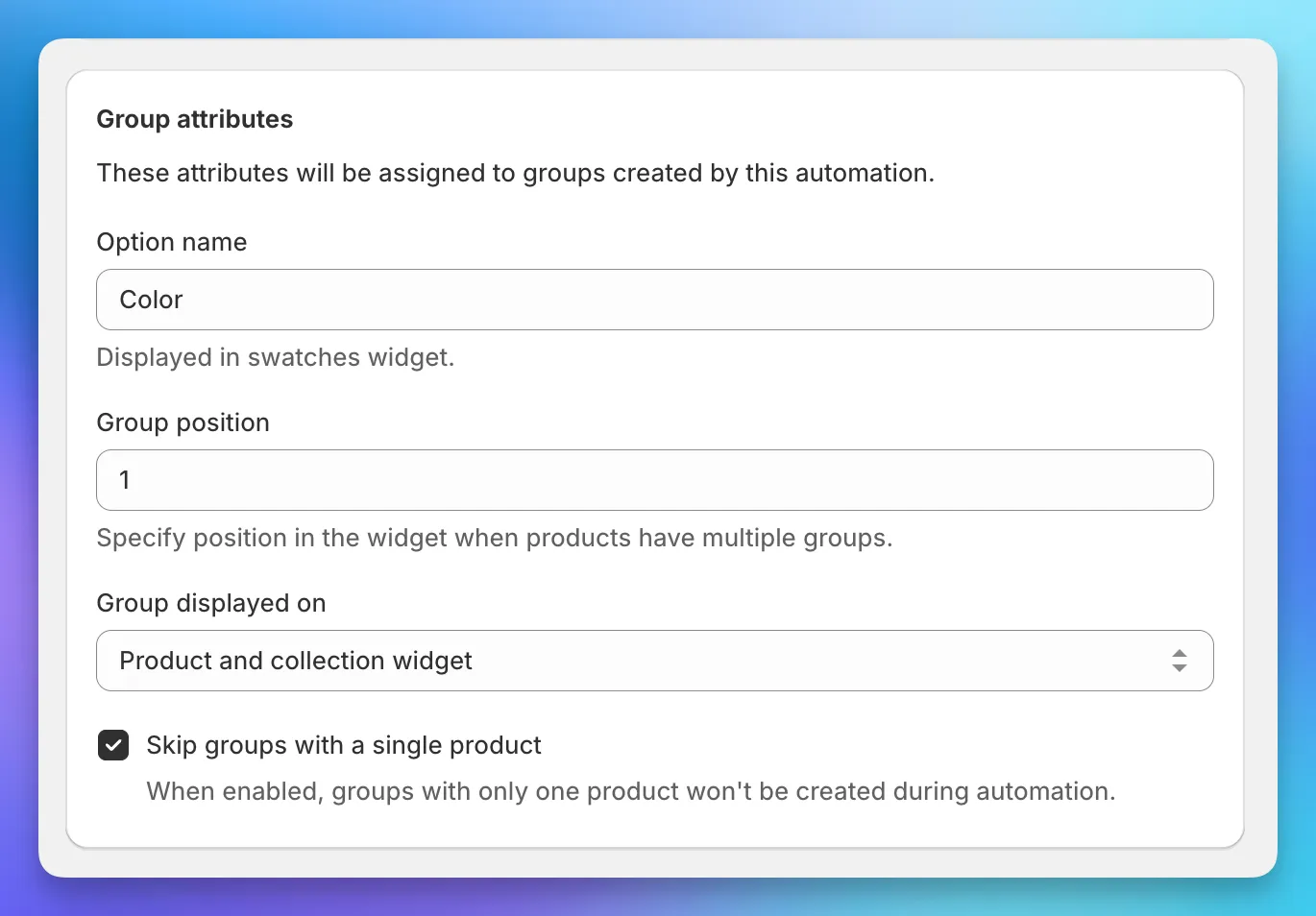
This also cleans up existing groups. If a group that was previously created has only one product, it will be removed automatically.
To activate this feature, open the automation you want to configure and check Skip groups with a single product. That’s it - the setting applies on the next automation run.