
Sale scheduling uses your store’s timezone, which gets confusing if you’re in a different one.
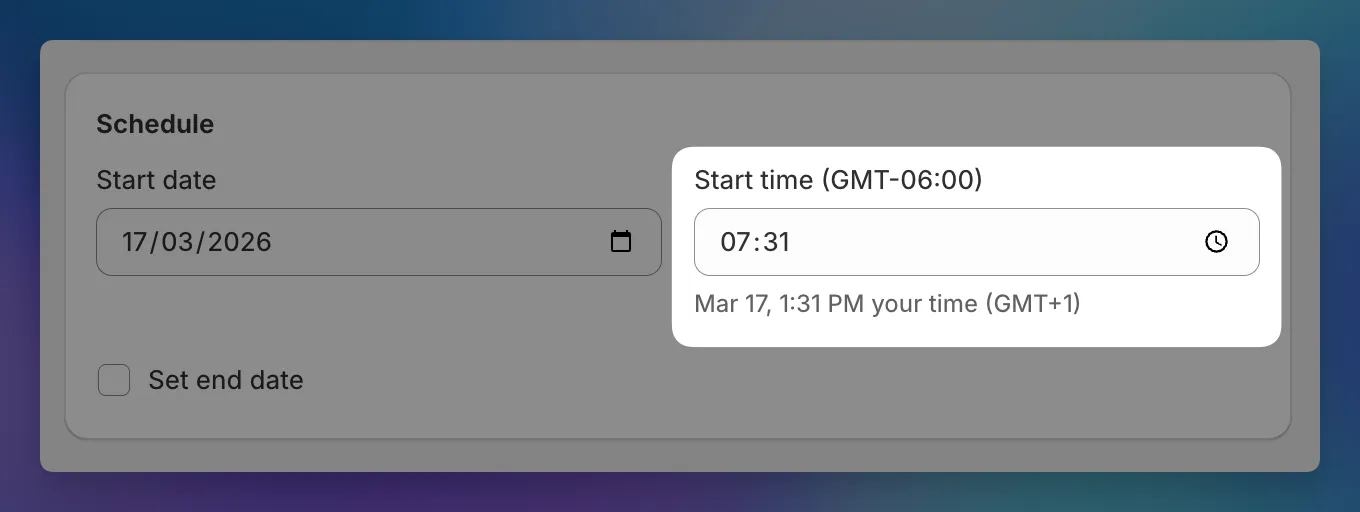
You’ll now see a hint below each time field showing your local equivalent. If your store is in New York but you’re in London, you’ll see something like “Oct 15, 3:00 PM your time (UTC+1)” next to each scheduled time.
The hint updates as you change the date or time, and hides when your timezone matches the store’s.