
Previously, excluding discounted products and excluding specific collections, products, or tags were part of the same setting - you could only pick one. Now they’re separate options, so you can combine them freely.
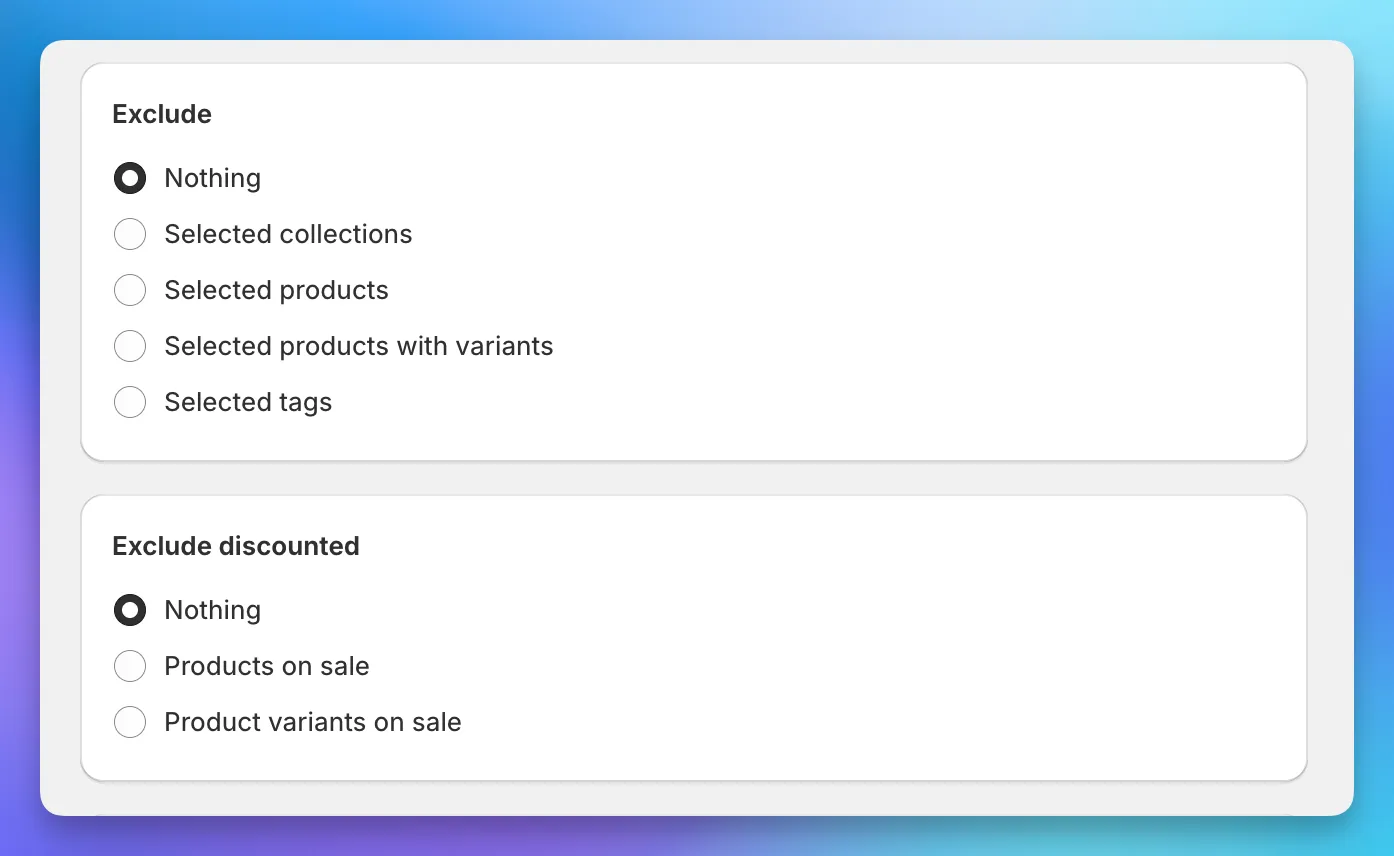
For example, you can exclude a specific collection and skip products that are already on sale, all in the same task or sale. The “Exclude discounted” card appears as its own section in the task and sale forms with three options: nothing, products on sale, or product variants on sale.