
Auto-reapply already runs every hour to correct prices that other apps overwrite. Now you can choose which minute of the hour it runs.
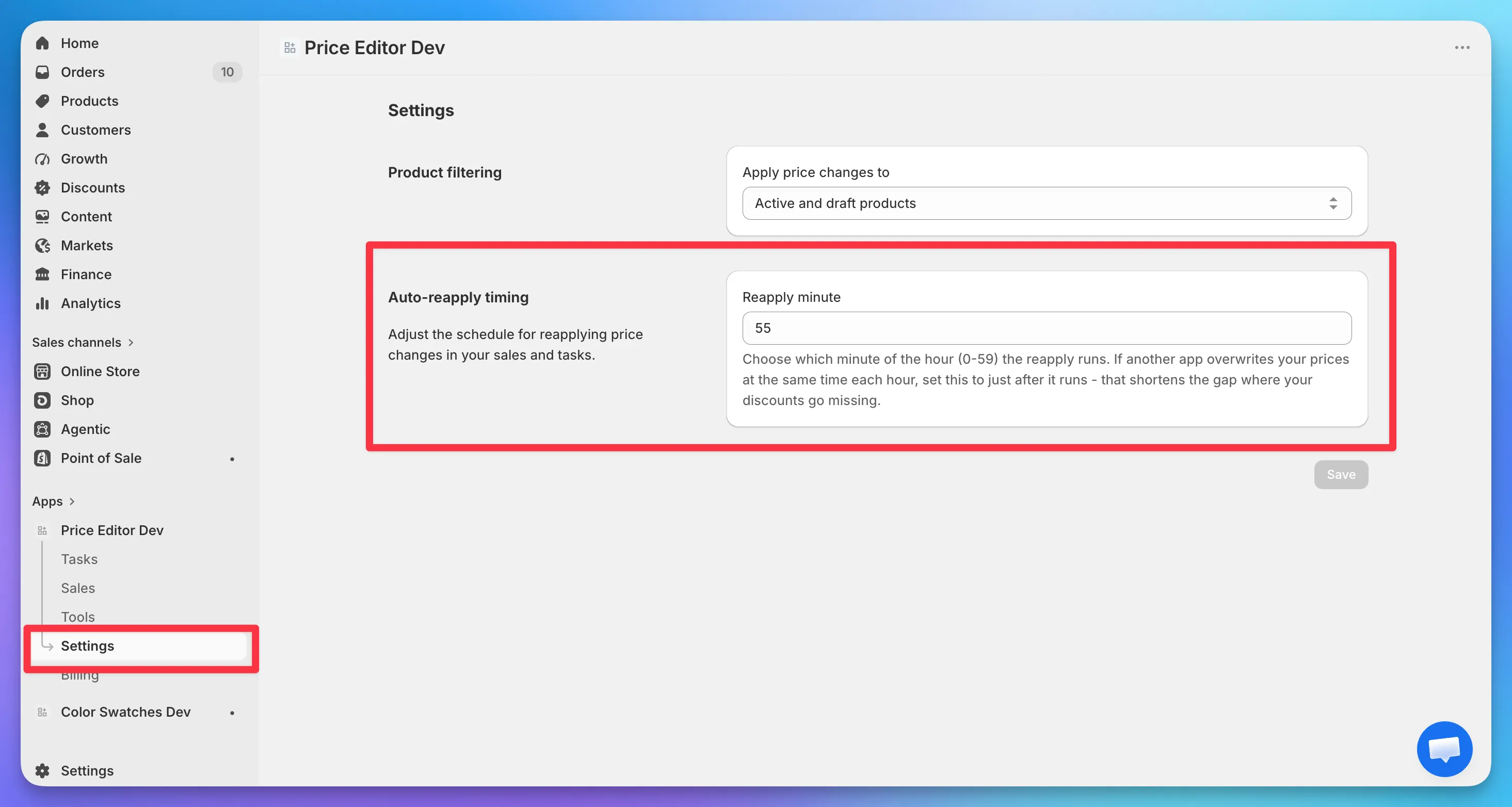
If a third-party app rewrites your prices at the same time each hour, set the reapply minute to just after it runs. That shortens the window where your discounts go missing.
Open Settings and set “Reapply minute” to any minute of the hour (0-59). The change takes effect the same hour, so you don’t have to wait a full cycle to try it. Available on the Premium plan.