
Edit a sale
What you can edit depends on whether the sale has started.
Edit a scheduled sale
Section titled “Edit a scheduled sale”Before a sale starts, everything can be changed:
-
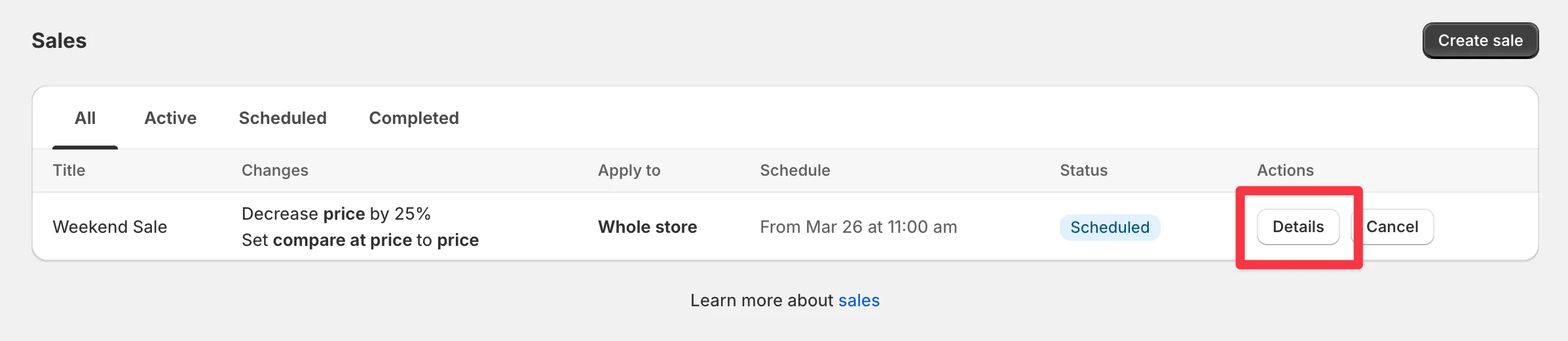
Open the sale’s Details.
-
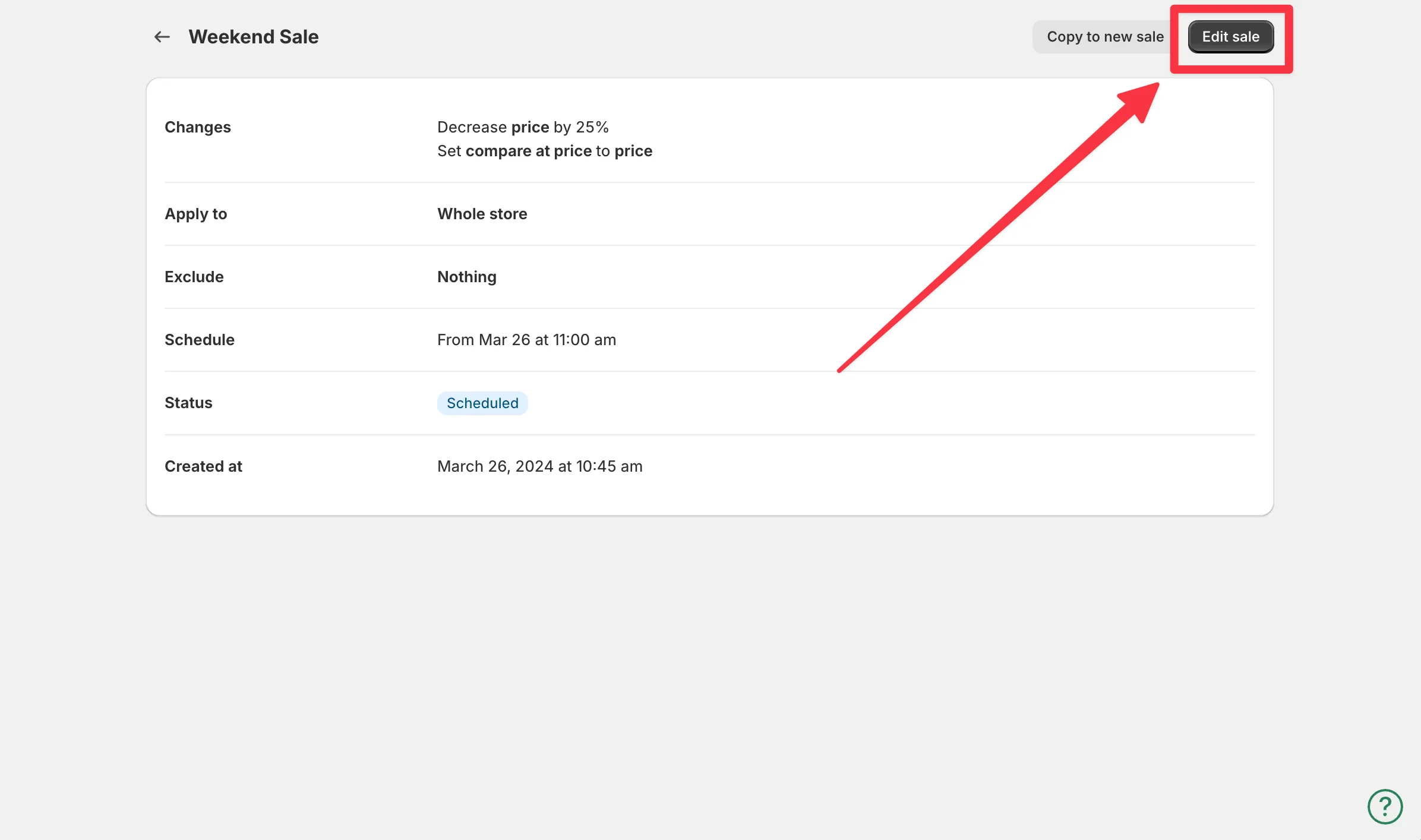
Click Edit sale.
-
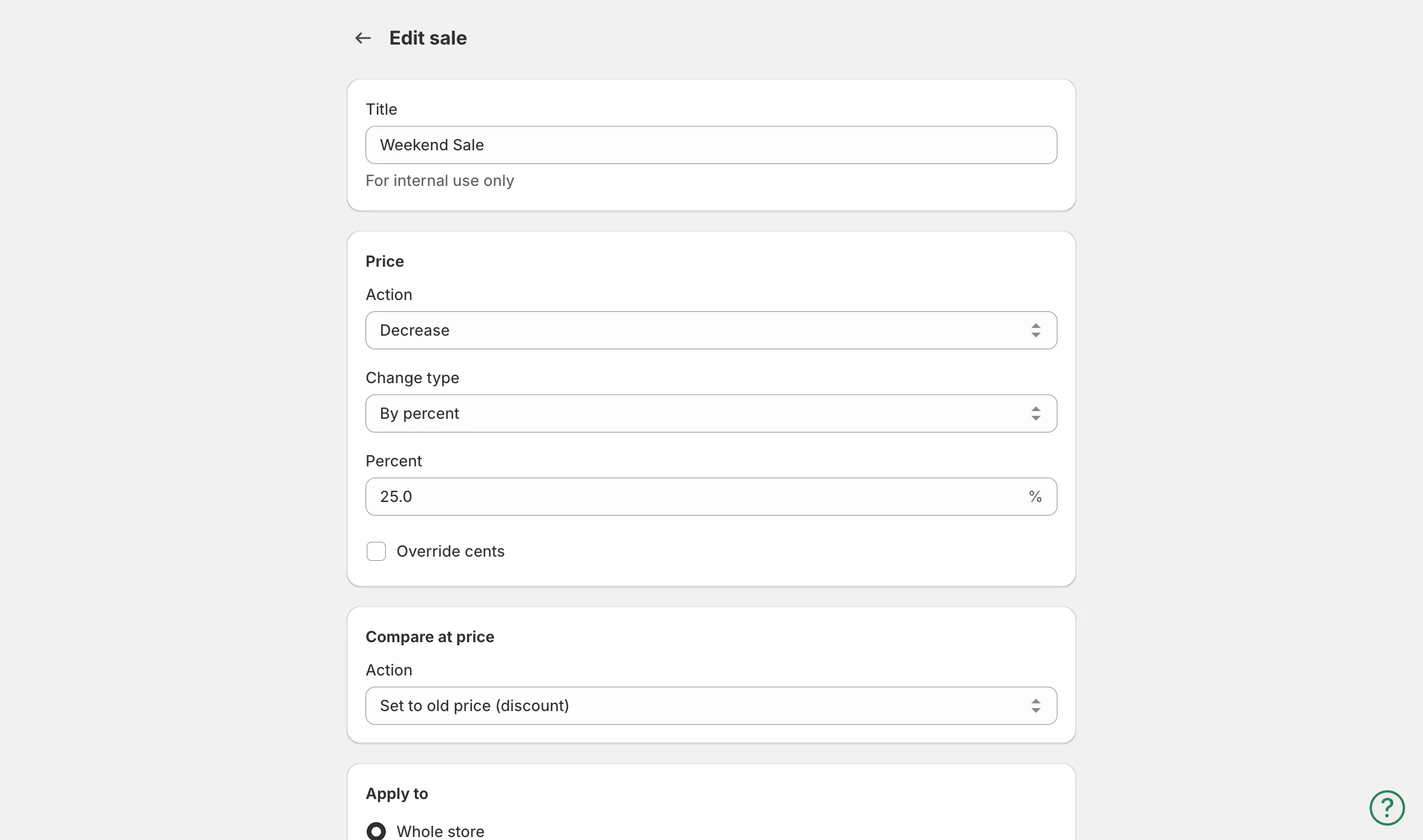
Change any parameters and save.
Edit an active sale
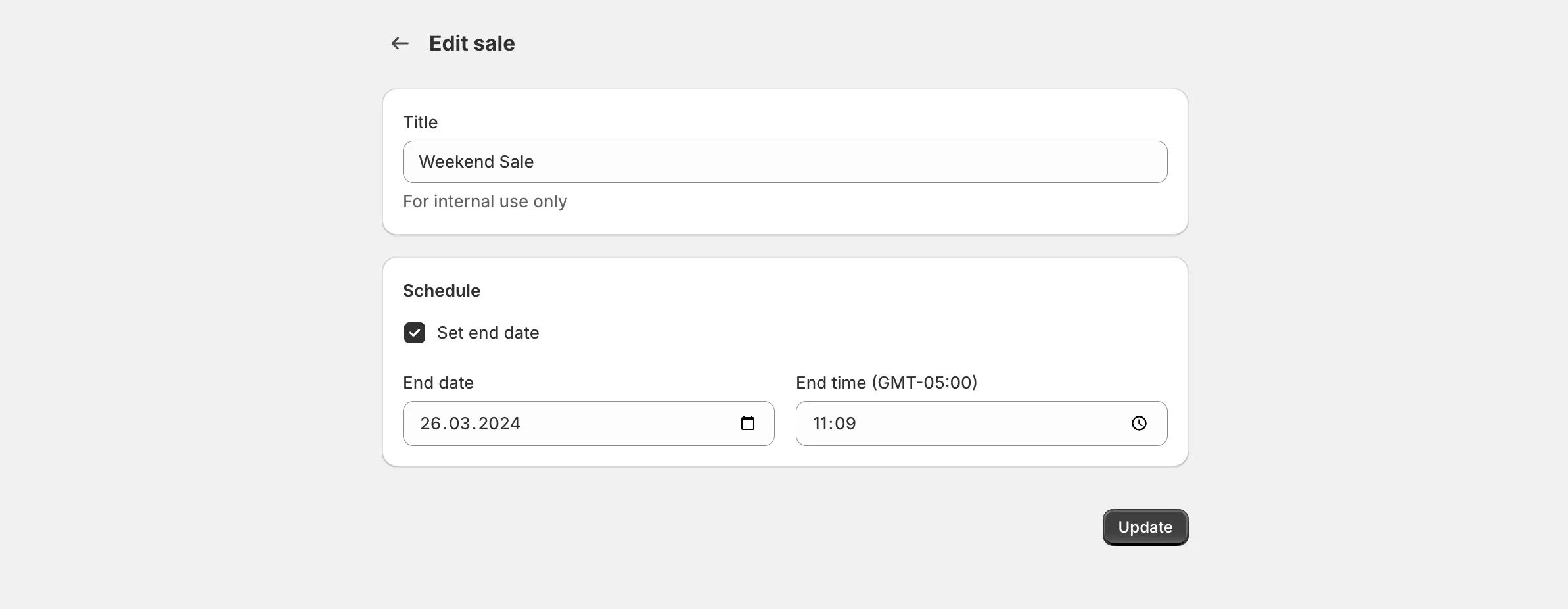
Section titled “Edit an active sale”Once a sale is running, open its Details and click Edit sale. You can still change:
- The title
- Which products are in the sale, and the exclusions
- The end date and time
- The options under Advanced that your plan includes
When you change the products or exclusions, the app checks the sale again: it discounts products that now match and restores the original prices of products that no longer match.
The discount, rounding, start time, markets, and sale tags are locked, because the app has already applied those prices and keeps them for restoration. To change them:
- Disable the sale. Original prices are restored.
- Duplicate it with the Duplicate button, adjust the settings, and create it.
To bring new products into a running sale, see add products to a sale.