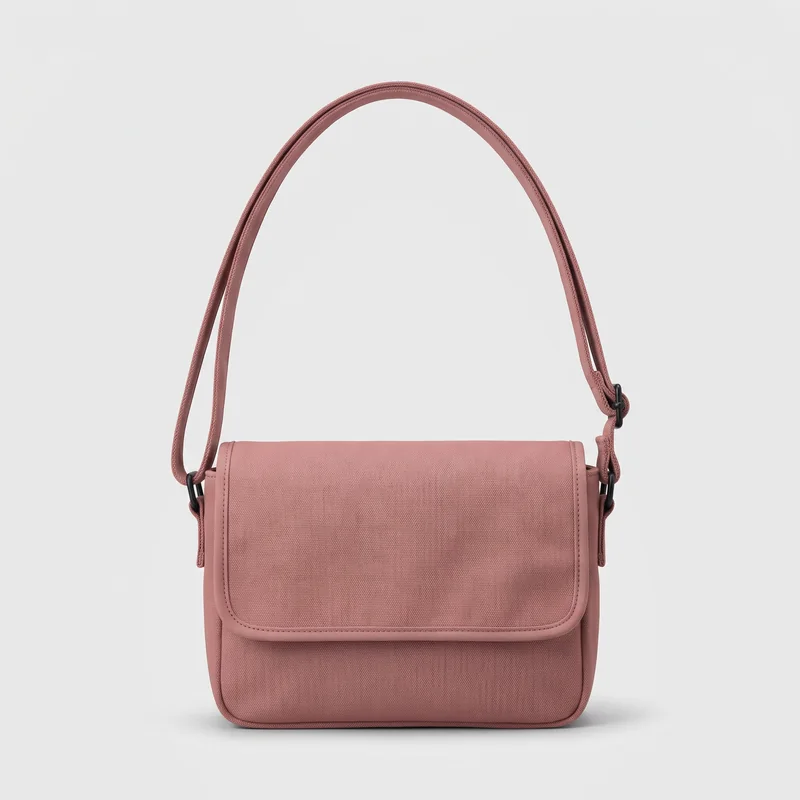
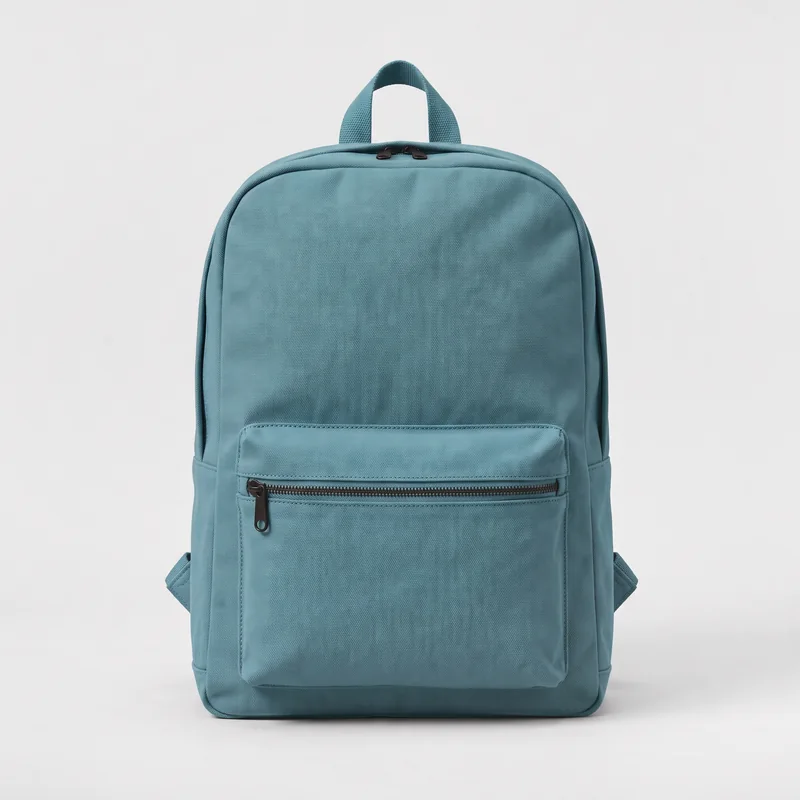
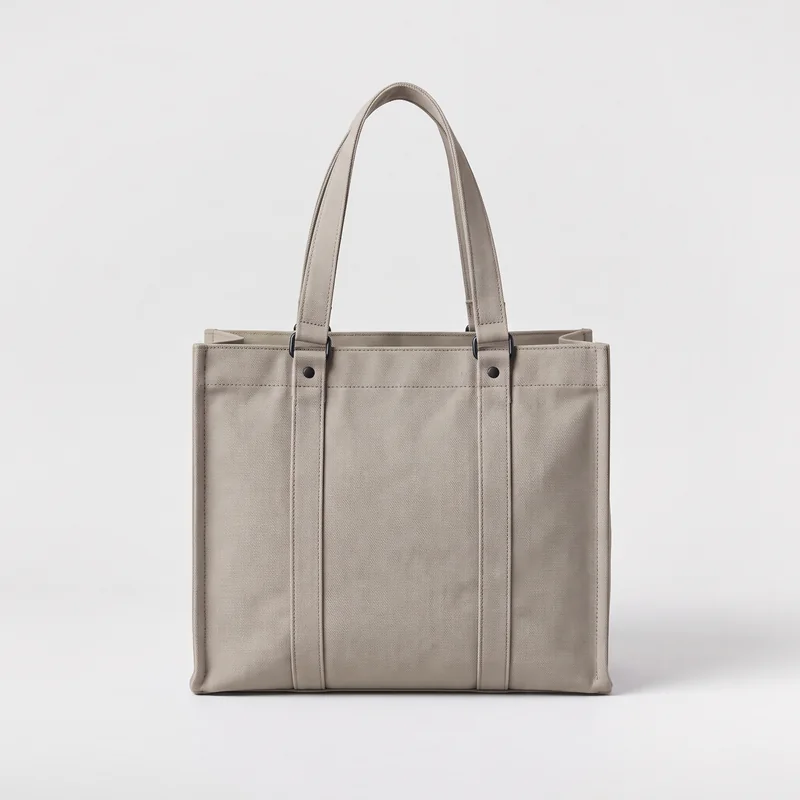
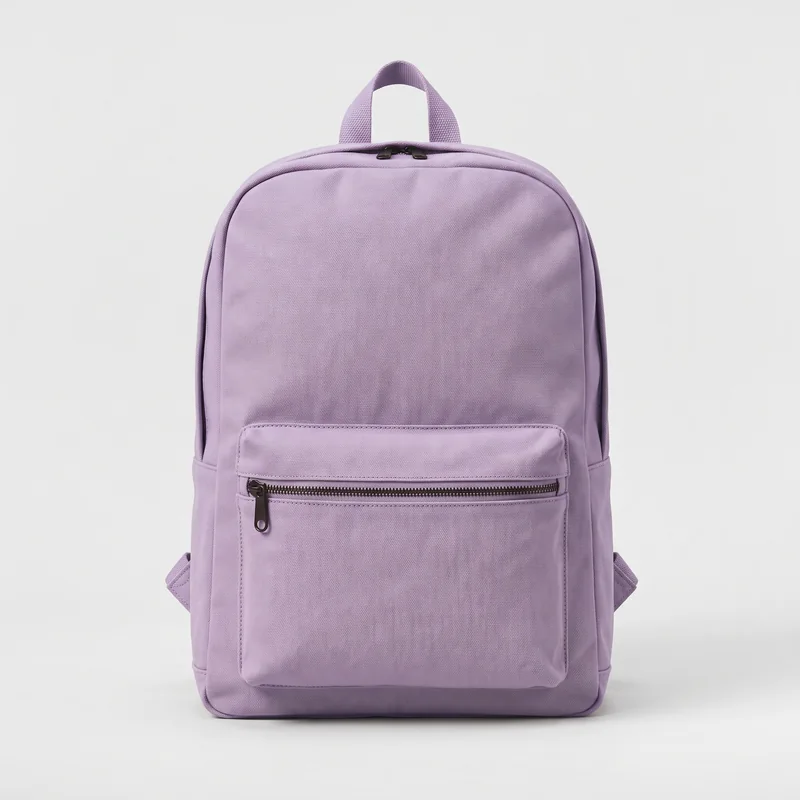
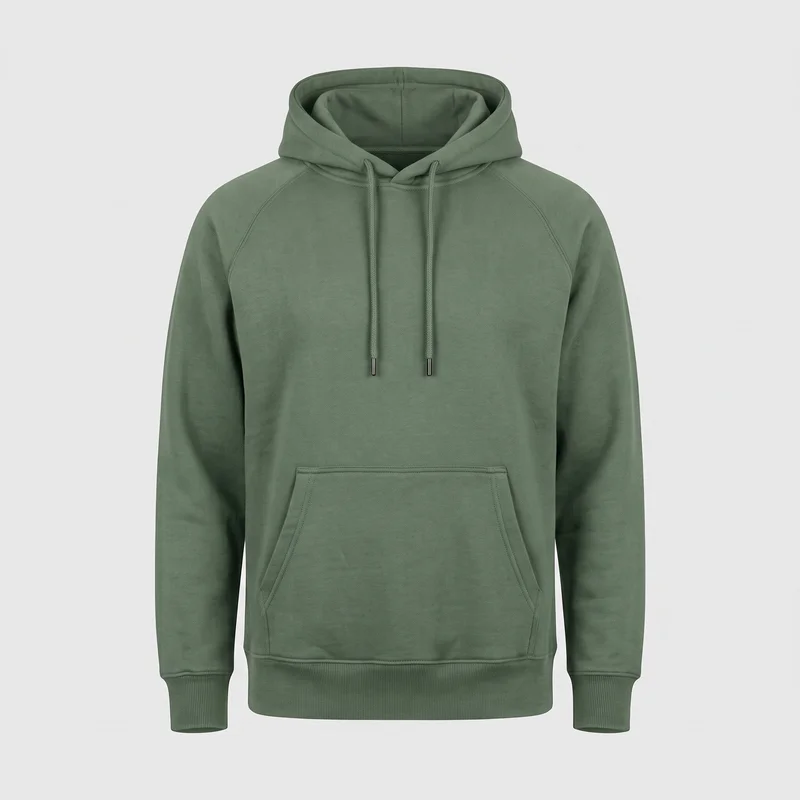
Everyday hoodie
$48.00


Selling each color as a separate product? Link them with swatches so shoppers switch colors in one click, while every product keeps its own page, photos, and inventory.
Selling colors as variants of one product? See variant swatches
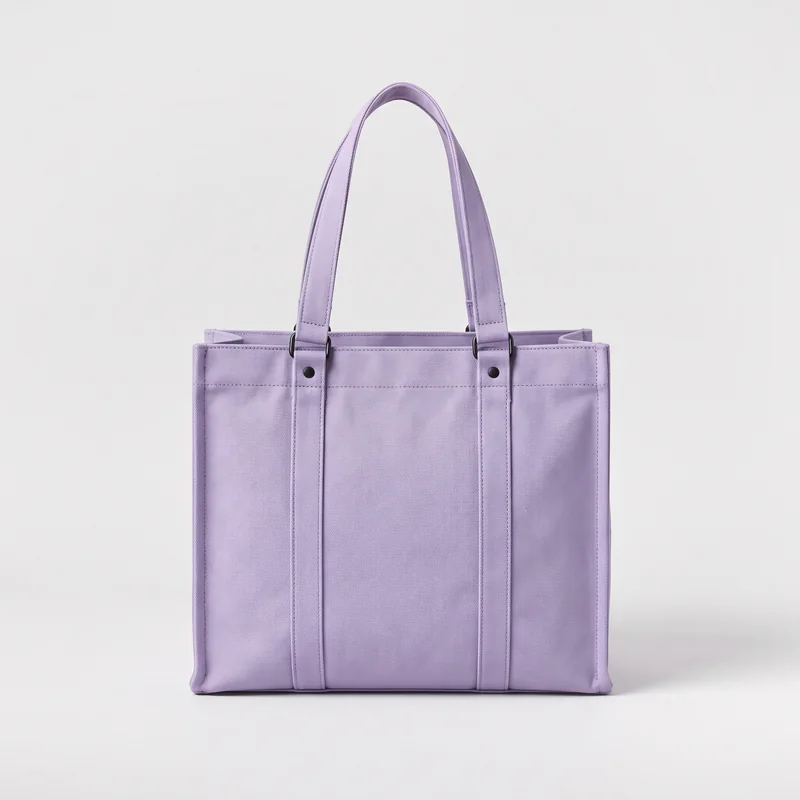
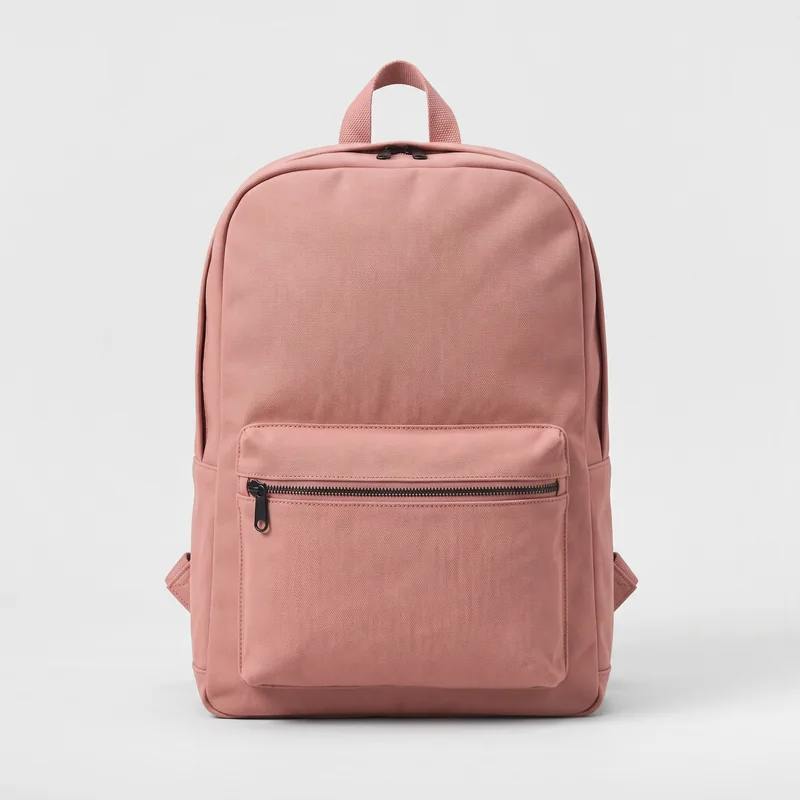
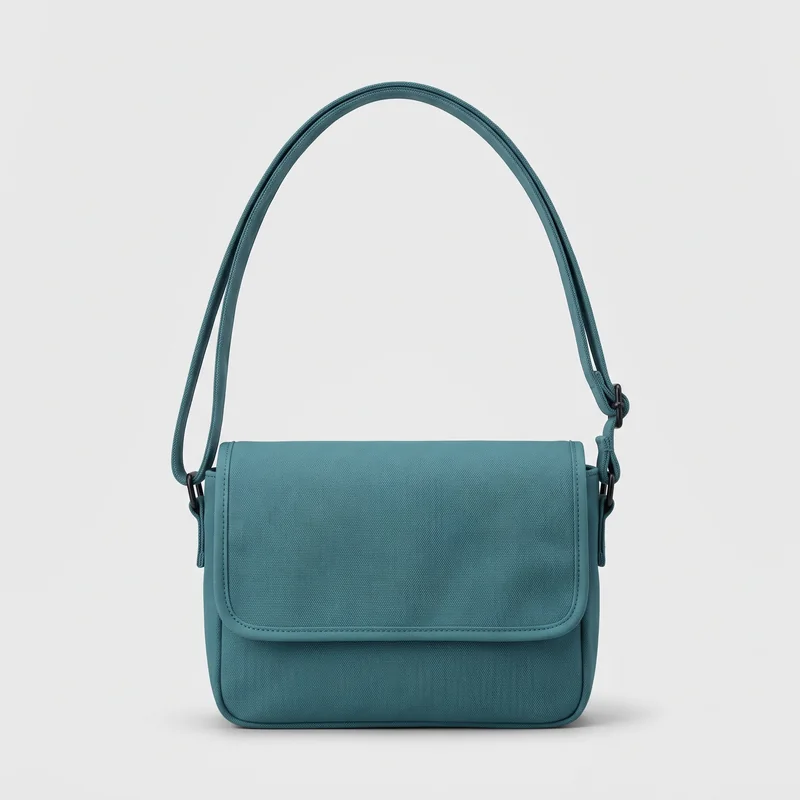
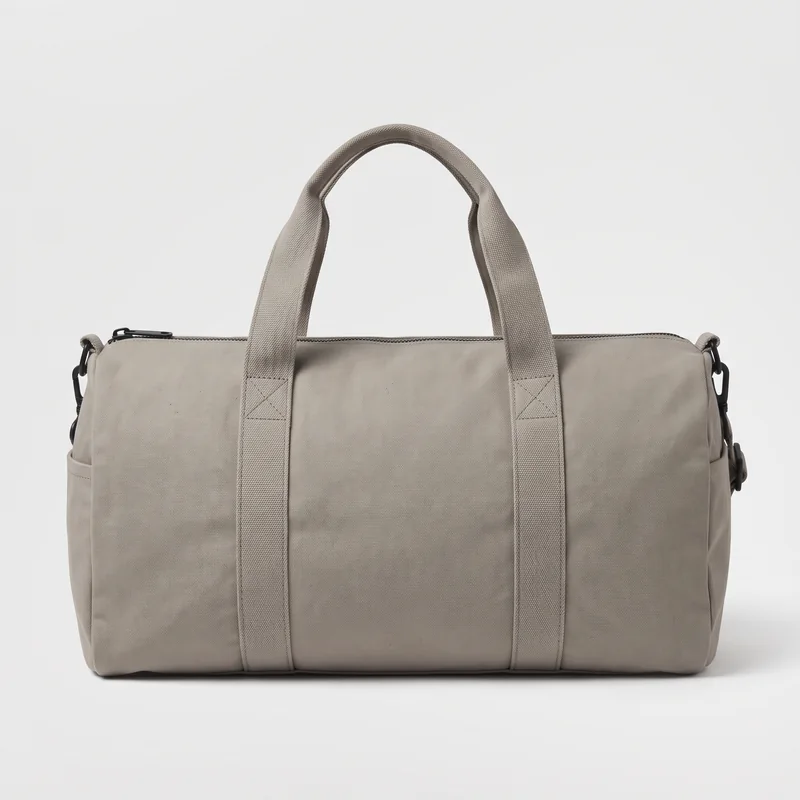
Without swatches, a shopper returns to the collection and searches through other bags to find another color. With Platmart Color Swatches, the separate color products are linked, so shoppers switch between them right on the product page.
One click in the app opens your theme editor with swatches turned on. The app finds the right spot on your pages.
Create a group in a few clicks, import many from a CSV, or let automations build groups from your collections or metafields and keep them in sync.
Swatches appear on every linked product page, and on collection cards if you want them there too.
Works like combined listings, without needing Shopify Plus.
See the 10-minute setup guide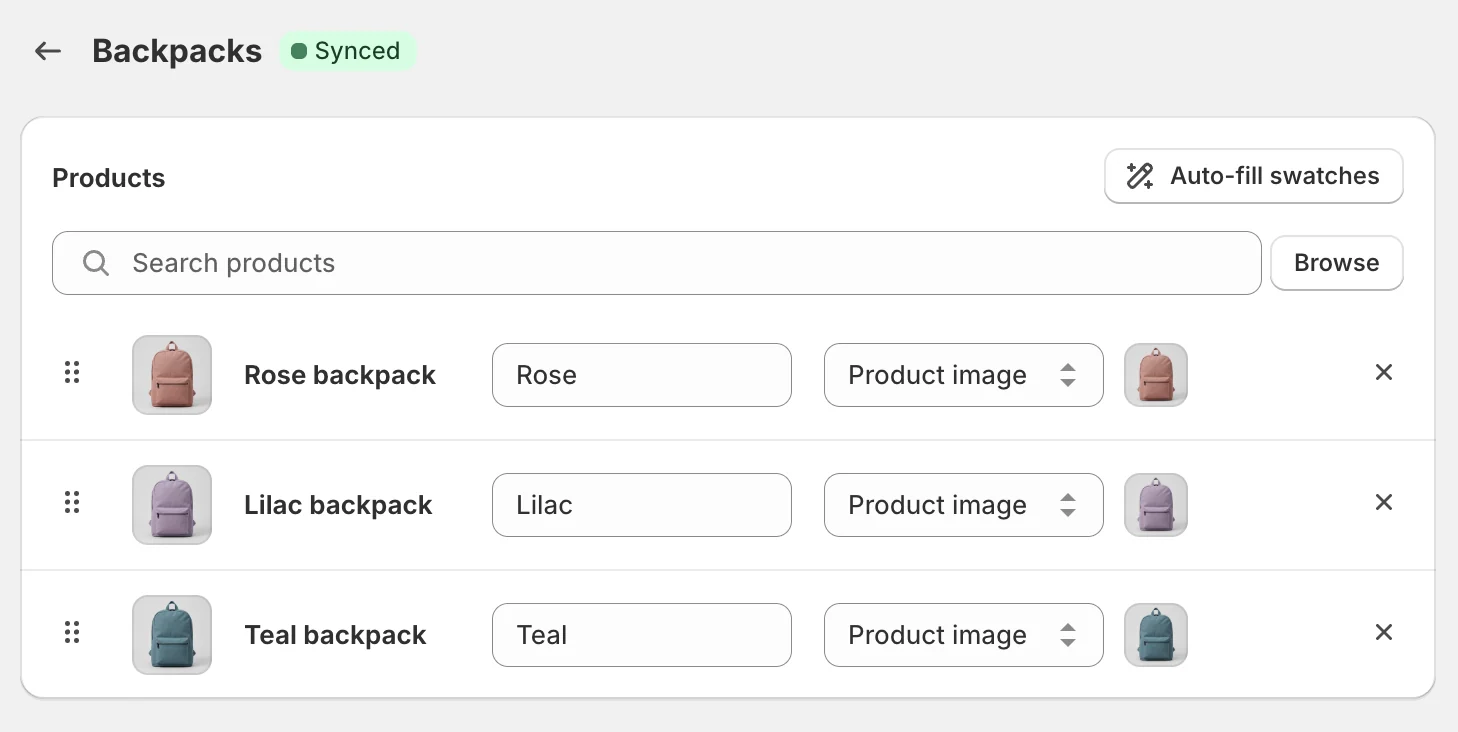
Selling colors as variants of one product? Replace dropdowns with color, image, or button swatches.
$48.00
Shoppers open a dropdown and read color names.
$48.00
Color: Sage
Size: M
Every color visible at a glance. One tap to switch.
Common color names are matched automatically in many languages, and AI suggests a shade for names like Ocean Breeze.
Set up Navy once and it appears on every product with a Navy variant, including products you add later.
Split long color lists under headings like Core colors and Limited edition.
Put swatches on collection and search cards so shoppers can discover more colors while browsing.
Use them with variants or product groups. Clicking a swatch opens that product or shows its photo right on the card.
A collection page where each product card shows its other colors as swatches. Clicking a swatch switches the card to that color's product, and clicking the card opens that product's page.
Basic swatches may be all you need. Here's where Platmart Color Swatches goes further.
| Native theme swatches | Platmart Color Swatches | |
|---|---|---|
| Link separate products | Native theme swatches: Only on a few themes, set up by hand | Platmart Color Swatches: Product groups, manual or automated |
| Groups that update themselves | Native theme swatches: No | Platmart Color Swatches: From collections or metafields (Advanced plan) |
| Swatches on collection cards | Native theme swatches: Some themes | Platmart Color Swatches: For variants and product groups |
| Color swatches for variants | Native theme swatches: Most current themes | Platmart Color Swatches: Colors, images, or buttons |
| Variant setup across your catalog | Native theme swatches: Link each product's options in Shopify admin | Platmart Color Swatches: Once per color, store-wide |
| Sold-out colors | Native theme swatches: Usually crossed out | Platmart Color Swatches: Show, cross out, disable, hide, or move last |
| Long color lists | Native theme swatches: One long row | Platmart Color Swatches: Labeled sections like “Core colors” |
5.0 from 142 reviews on the Shopify App StoreTop 25 Built for Shopify app of 2025
“One of the best things I think we've done for our website. Easy to install and was up and running very quickly. Did have questions initially but support got right back to me.”
le joyau shop
United States
“We were looking for an app that would allow us to show different products as swatches … It runs smoothly both on desktop and mobile, looks great, the support is very helpful.”
LIGARTI
Germany
“The ONLY app that does what we need and easily! Been using this app for awhile across multiple stores and there is nothing better. Does exactly what it says it does super conveniently. Support team responds lightning fast.”
Anabei
United States
“Easy to use, looks great on our store. Their support replies extremely fast any time I have a question. And no hidden fees. Highly recommend!”
Alembika U.S.
United States
14-day free trial on all plans. Development stores are always free.
$ 9.99 /month
For stores getting started
$ 24.99 /month
Automations and translations
$ 49.99 /month
API access and priority support
One product group links the color products of one item, like a backpack sold in 3 colors. Variant swatches are unlimited on every plan.
All prices are in USD.
Can't find what you're looking for? Check our documentation.
Platmart Color Swatches is a Shopify app that adds color, image, and button swatches to product and collection pages. It links separate products into one row of swatches and turns variant dropdowns into swatches. It works with any theme and doesn't need Shopify Plus.
Product groups link separate Shopify products, such as a blue t-shirt and a red t-shirt with their own pages. Variant swatches show options within one product as colors, images, or buttons, on the whole store or only on products you pick. You can use both features together.
Yes. Platmart Color Swatches displays product-group swatches and variant swatches on collection cards. Shoppers can see available options before opening a product. Variant swatches can also update the card's image when image swapping is enabled.
Swatches load after the initial page render, and custom swatch images are served through Shopify. The effect on page speed depends on your theme and other apps. Try Color Swatches on your theme to check performance before publishing.
Platmart Color Swatches supports all free and paid Shopify themes, including Dawn, Horizon, other Online Store 2.0 themes, and vintage themes. Custom themes may need extra configuration. Our support team can help you set up swatches for your theme.
Platmart Color Swatches links existing products through swatches while keeping them as separate listings. Each product keeps its own URL, photos, and inventory. You don't need Shopify Plus or the Shopify Combined Listings app to use product groups.
Yes. Product groups offer six types: solid colors, two-tone colors, custom images, product images, images with text, and text buttons. Variant options can use colors, custom images, variant images, buttons, or dropdowns on product pages. You can adjust shapes, sizes, and spacing, or add custom CSS.
Yes. Every swatch works with a keyboard, has labels for screen readers, and shows selected and sold-out states with more than color alone. The widgets follow WCAG 2.1 AA practices and were updated after a third-party accessibility audit commissioned by a customer in 2026.
For product groups, you can show, cross out, disable, or hide sold-out product swatches. You can also move them to the end of the list. Variant swatches have separate sold-out settings for each style; dropdowns mark unavailable values as sold out.
Uninstalling removes the app's storefront widgets. Your saved groups and settings are available if you reinstall within 180 days. You'll need to choose a plan and re-enable your theme widgets.
New subscribers get a 14-day free trial on any paid plan. Each store gets one trial period; changing plans or reinstalling doesn't restart it. Development stores can use all features for free.
“Solved a huge problem I had wanting to display each colour variant on category pages but also display all colour options as swatches on each product page.”
- O2wear Bamboo, Australia
14-day free trial on all plans. Development stores are always free.