Previously, if you wanted to rename a swatch or update its color, you had to change it in every product group separately. If you manage a large catalog with dozens of groups, that added up fast.
You can now edit a swatch once and the change applies everywhere - across all product groups and variant swatches automatically. This includes swatches you’ve already created, not just new ones.
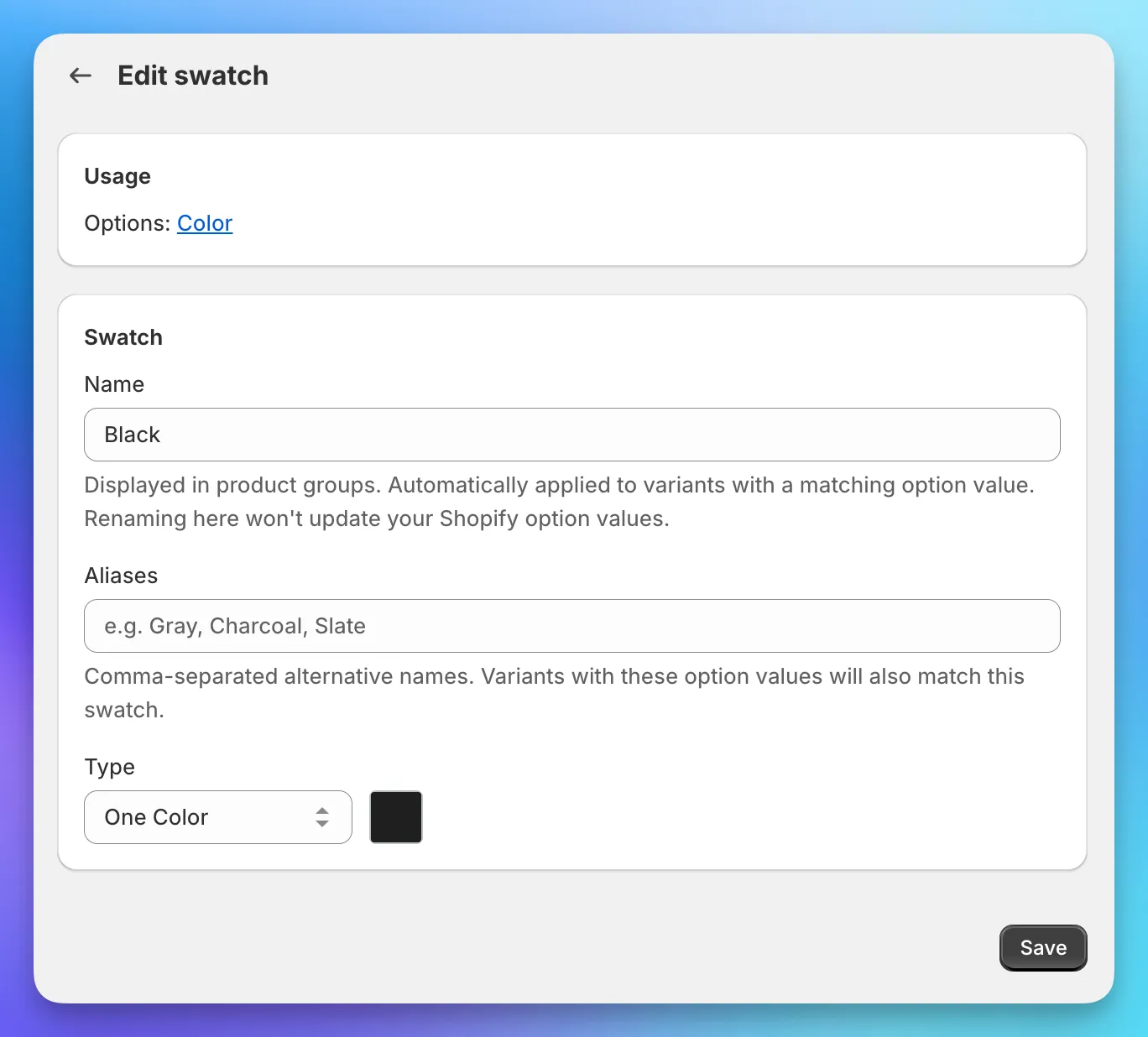
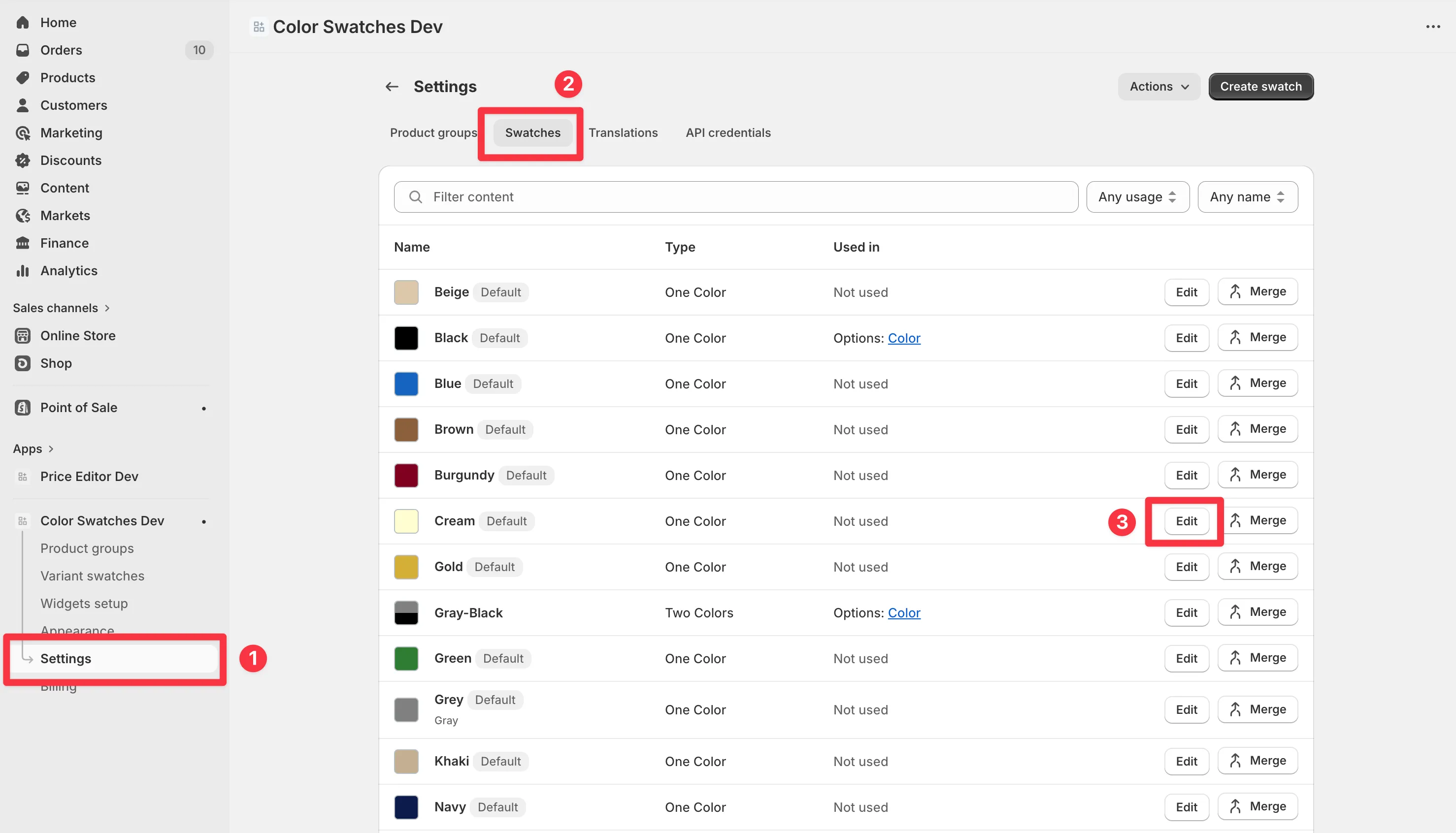
To edit a swatch, go to Settings > Swatches and click on the one you want to change. You can update the name, type, color, or image from there.