
Variant swatches are no longer limited to product pages. They now appear directly on collection pages, letting shoppers browse through color, size, and style options right from the product grid.
When a shopper clicks a swatch on a collection page, the product card updates instantly - image, price, and link all switch to match the selected variant. No page load needed.
The widget detects product cards automatically across 50+ Shopify themes, so it works out of the box for most stores. Try it on our demo store.
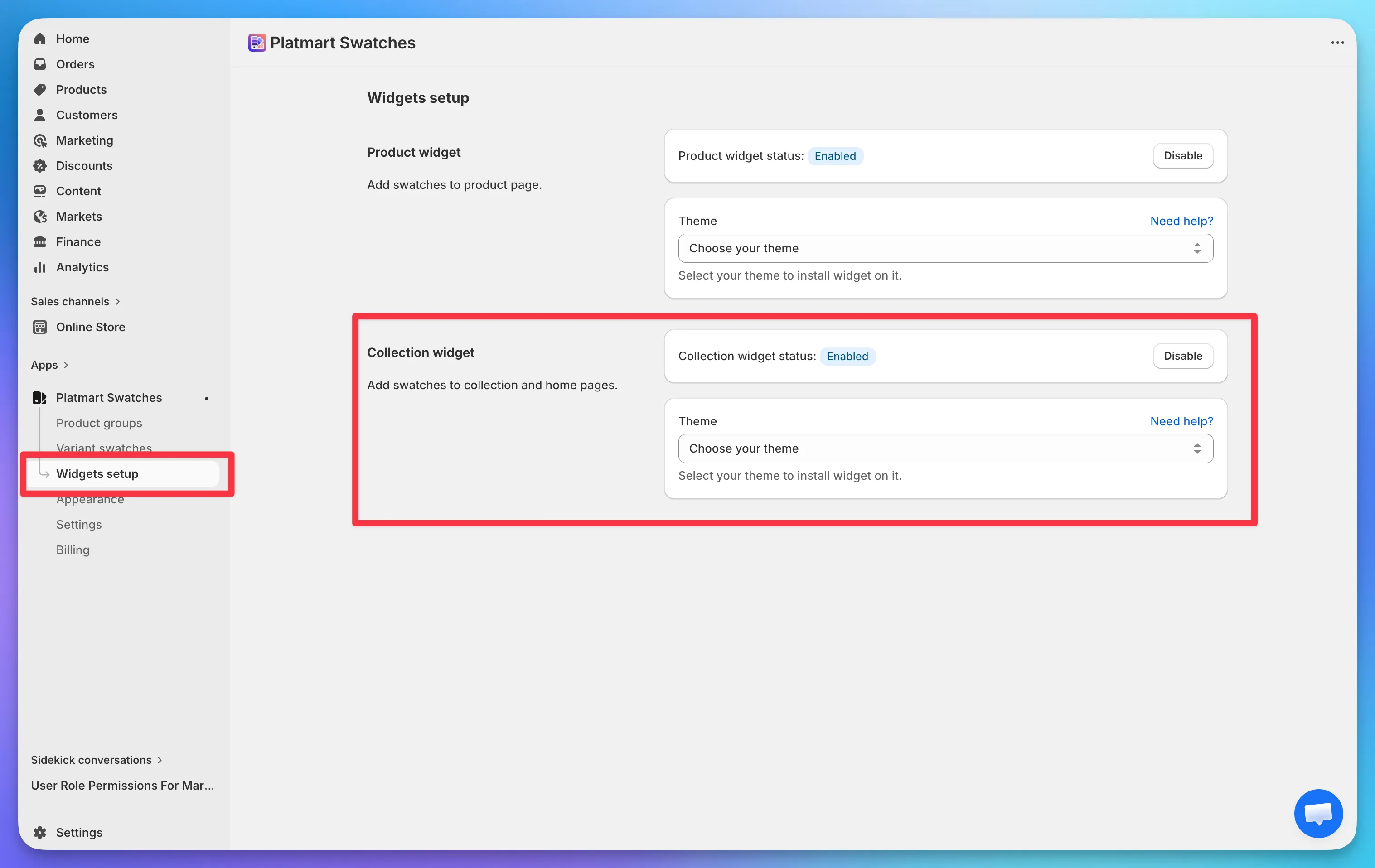
Once enabled, you can configure swatch size, alignment, and how many swatches to show per product before collapsing into a “+N more” indicator in Appearance > Collections.