
If you use a dropshipping supplier or an inventory app that syncs product data, you’ve probably seen it overwrite the prices you just set in our app. To prevent this, you can now enable auto-reapply for tasks.
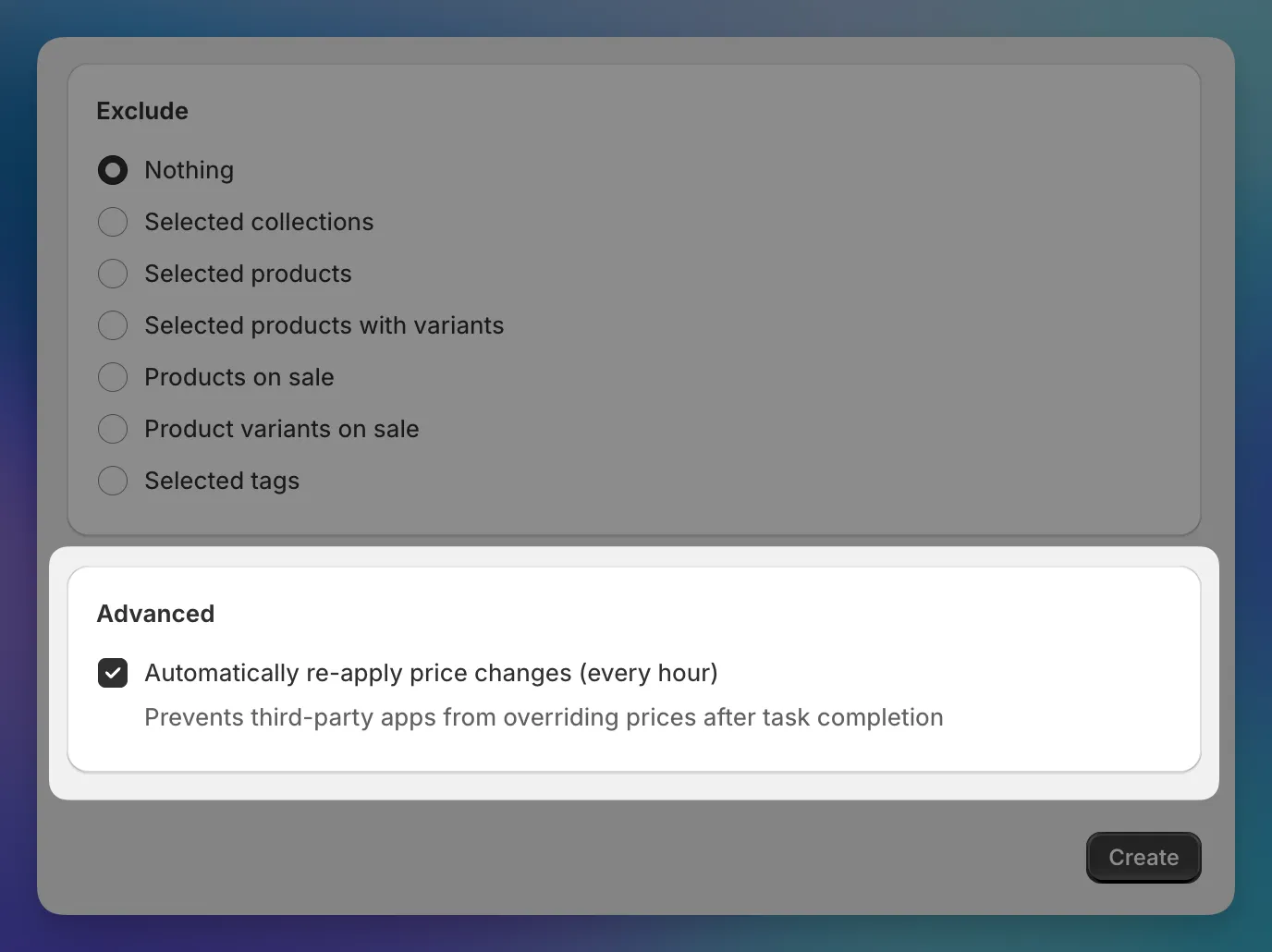
When you enable it, the app re-applies your task’s prices every hour after it completes. If something overwrites them in between, they get corrected on the next run. You can see when the last run happened on the task details page. Works for tasks with up to 10,000 price changes.
Check “Automatically re-apply price changes (every hour)” in the Advanced section when creating a new task. This setting can be activated only during task creation. But you can disable it later on the task details page. Available on the Premium plan.