
The rounding section now has a new option: Set price ending. It lets you define a digit pattern like *.95 or *9.99, and prices will be rounded to match that ending after your percentage or fixed-amount change is applied.
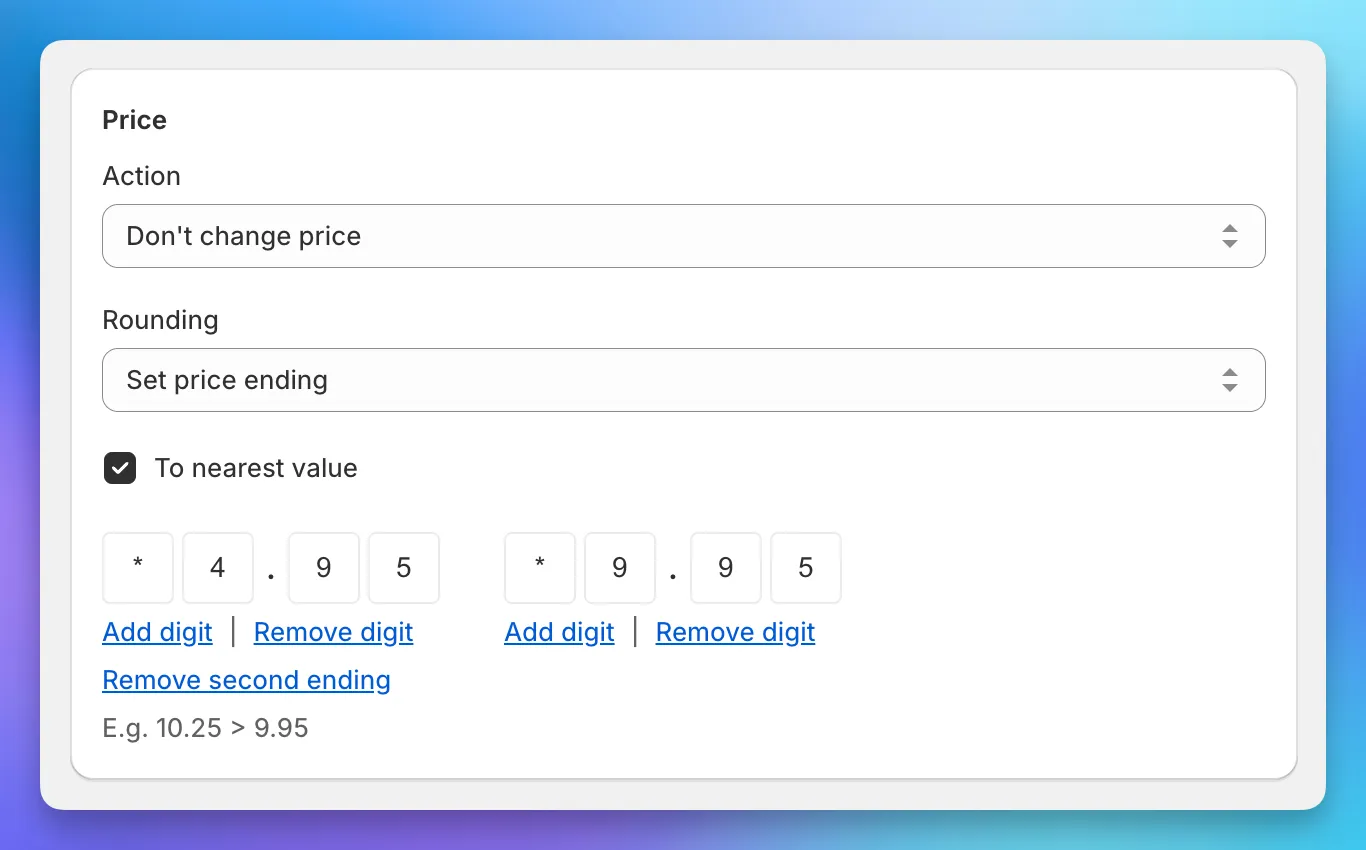
You can add or remove digits to control how many trailing digits are matched. With “To nearest value” enabled, you can also add a second ending pattern - the app picks whichever ending is closer to the calculated price.
Works in both tasks and sales, for price, compare at price, and cost fields.