
You can now delete many product groups at once. Check the groups on the Product groups list and click Delete, or select every group that matches your search and filters, across all pages.
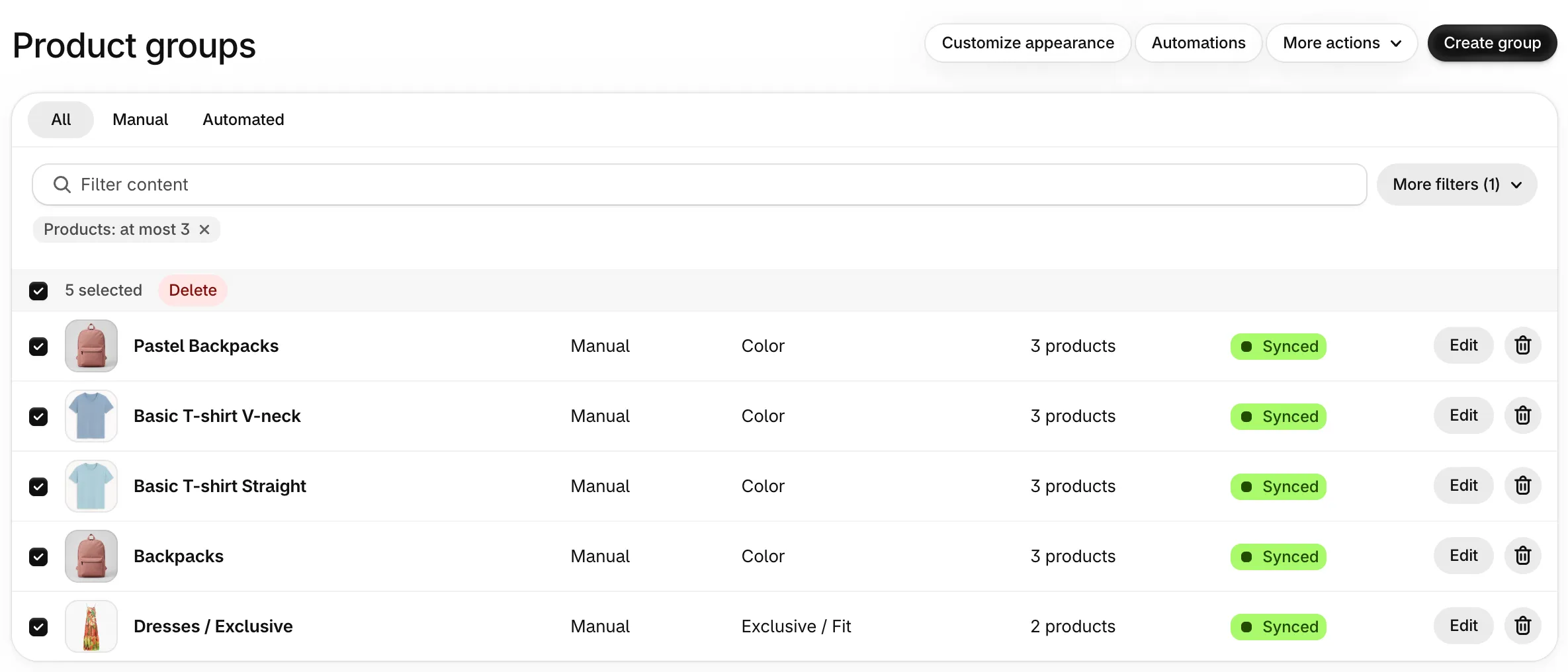
To find the right groups first, More filters now narrows the list by option name, sync status, or number of products. For example, set Max products to 1 to find groups with a single product and remove them all at once.