
Not sure a task or sale picks the right products? Click Preview changes instead of Create. Bulk Price Editor finds the matching products and shows each one’s current and new price, including compare-at prices, costs and market prices, without changing anything in your store yet.
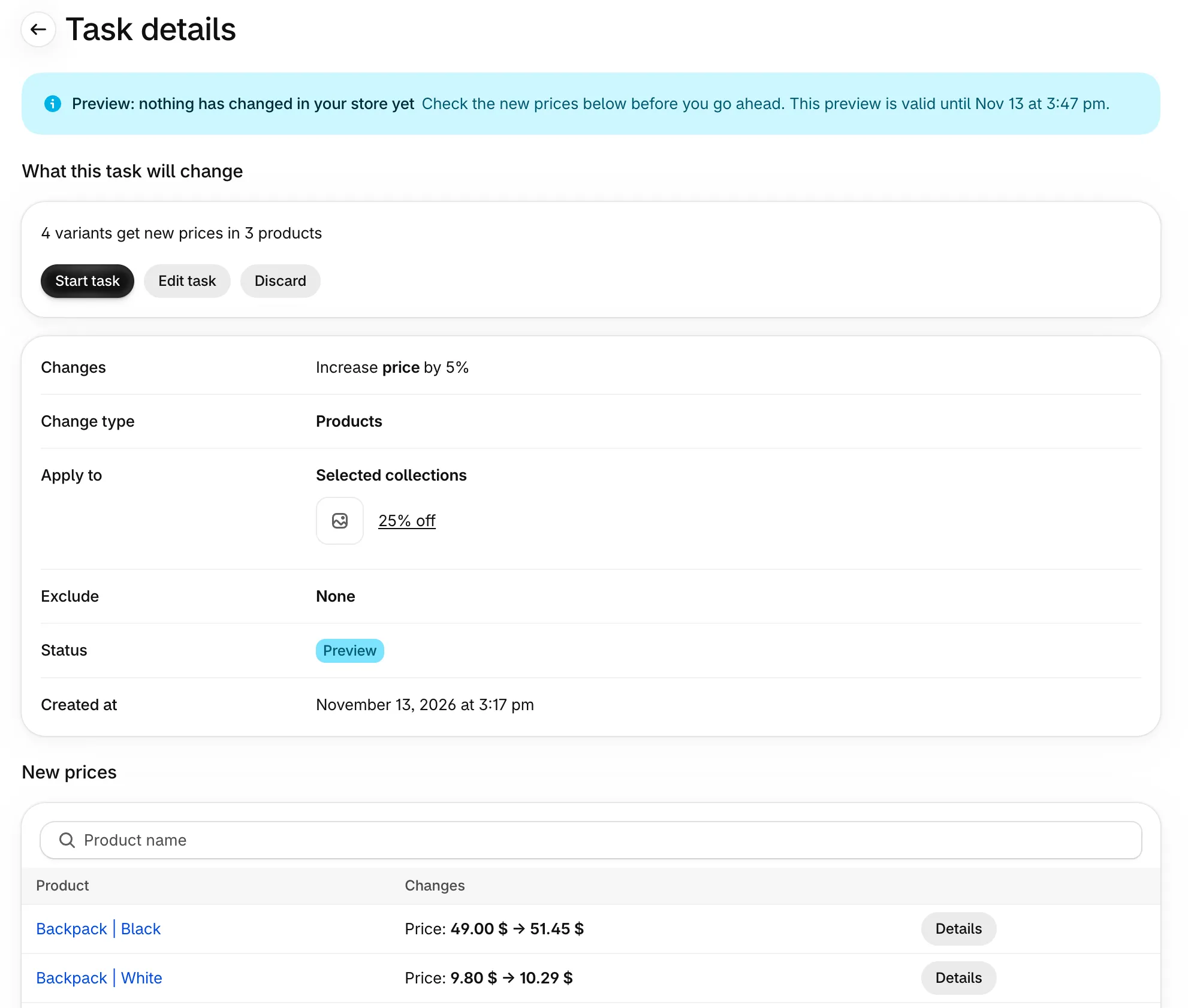
When the prices look right, click Start task or Start sale. Use Edit to change the settings, or Discard to drop it. A preview stays valid for 30 minutes and doesn’t count toward your monthly tasks and sales until you start it. Learn how previews work.