Bulk Price Editor

Changelog

Latest updates and improvements to Bulk Price Editor.

← All apps

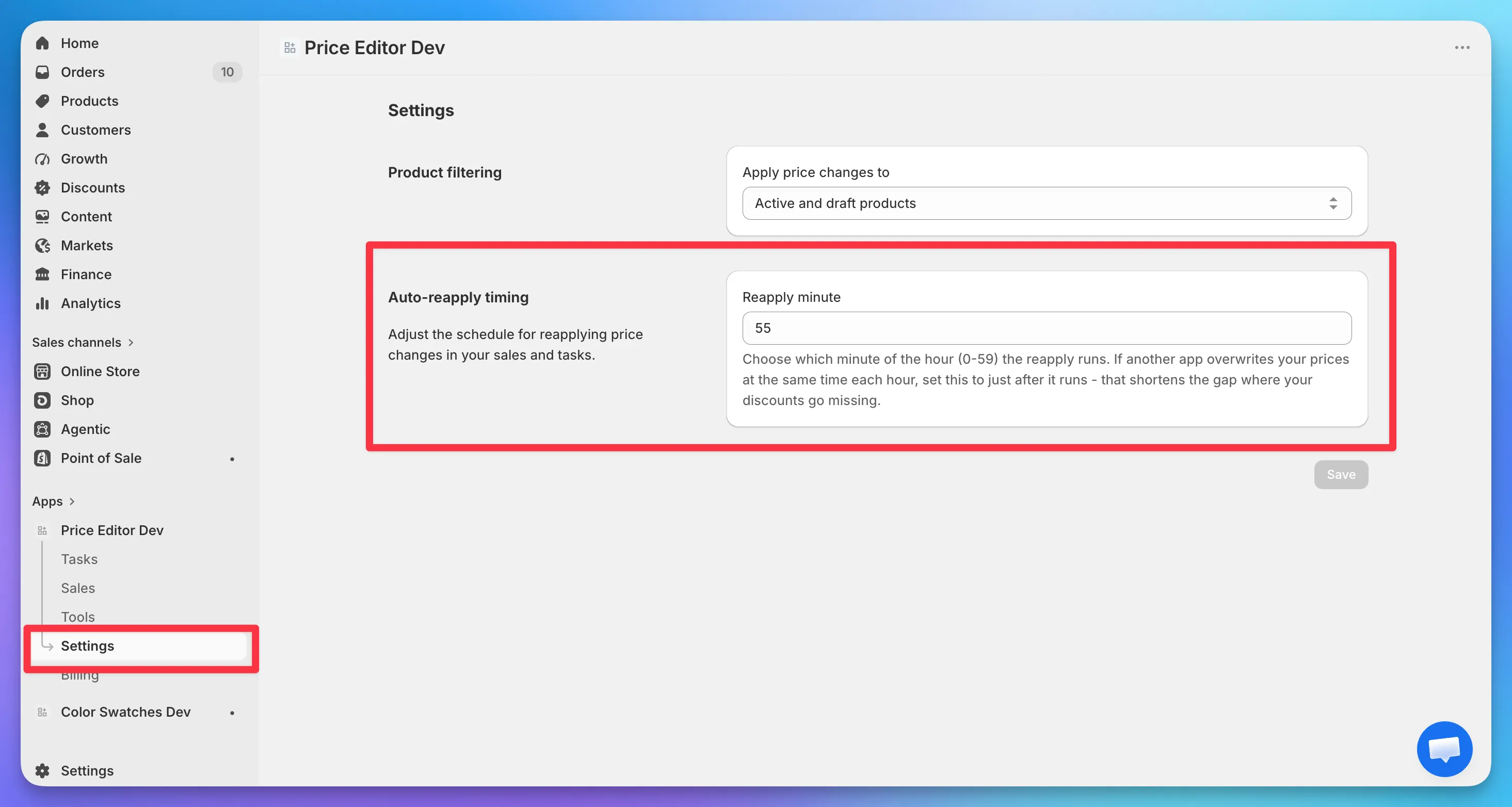
Auto-reapply price changes for tasks

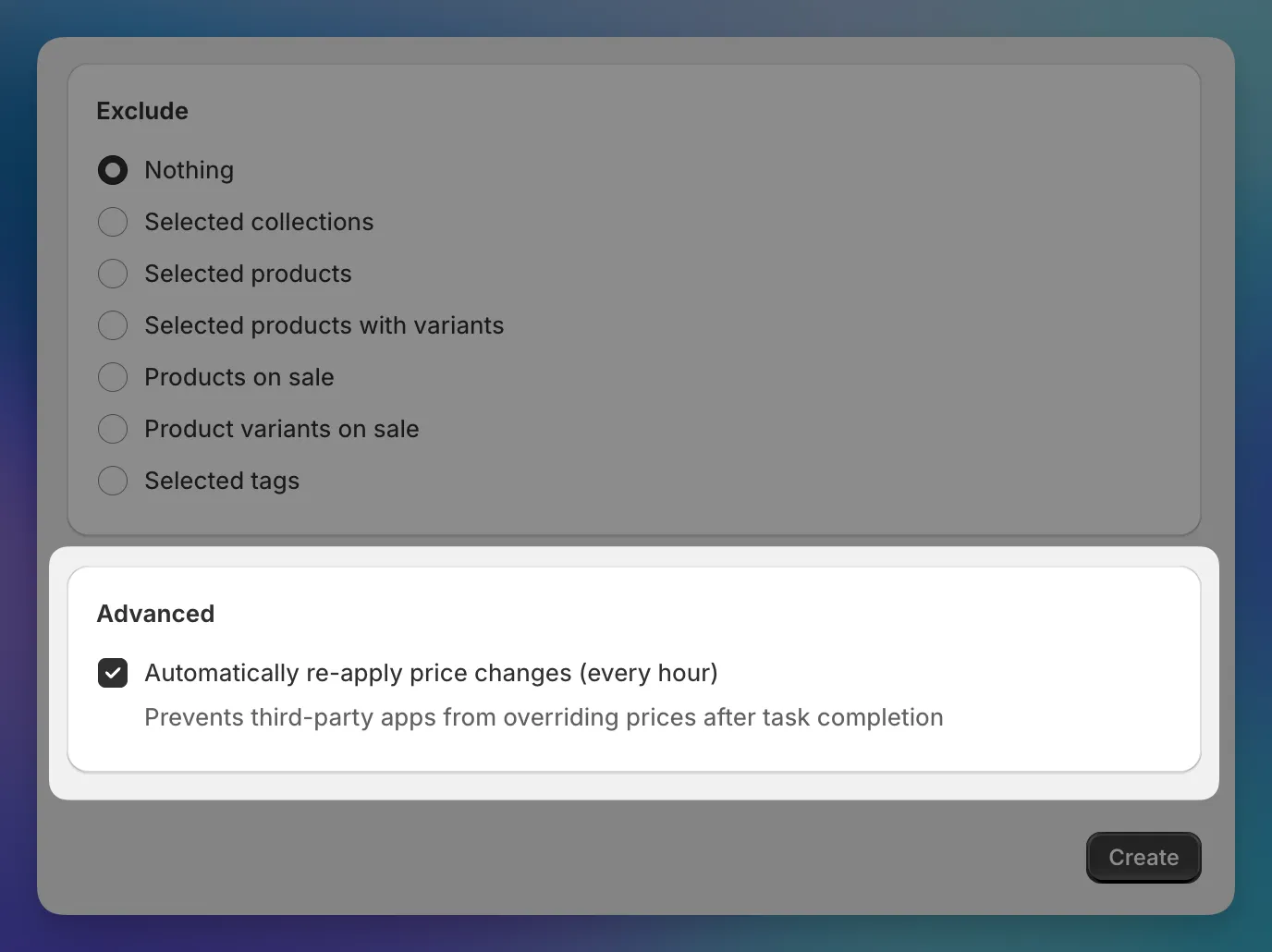
If you use a dropshipping supplier or an inventory app that syncs product data, you’ve probably seen it overwrite the prices you just set in our app. To prevent this, you can now enable auto-reapply for tasks.

Task creation form with auto-reapply checkbox in the Advanced section

When you enable it, the app re-applies your task’s prices every hour after it completes. If something overwrites them in between, they get corrected on the next run. You can see when the last run happened on the task details page. Works for tasks with up to 10,000 price changes.

Setup

Check “Automatically re-apply price changes (every hour)” in the Advanced section when creating a new task. This setting can be activated only during task creation. But you can disable it later on the task details page. Available on the Premium plan.

Read more →

Local timezone hints for sale scheduling

Sale scheduling uses your store’s timezone, which gets confusing if you’re in a different one.

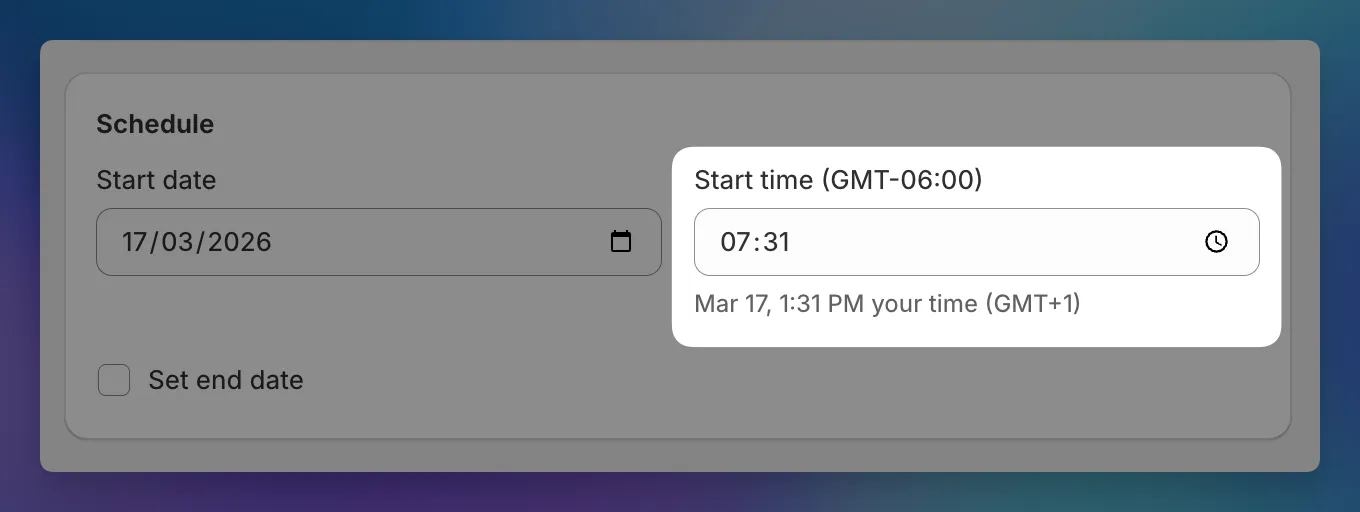
Sale scheduling form showing local timezone hints below the time fields

You’ll now see a hint below each time field showing your local equivalent. If your store is in New York but you’re in London, you’ll see something like “Oct 15, 3:00 PM your time (UTC+1)” next to each scheduled time.

The hint updates as you change the date or time, and hides when your timezone matches the store’s.