
Customers can stack a discount code on top of your sale price and get two discounts. Platmart Bulk Price Editor sales can now prevent that. When you create or schedule a sale, select Block discount codes when the cart has items from this sale.
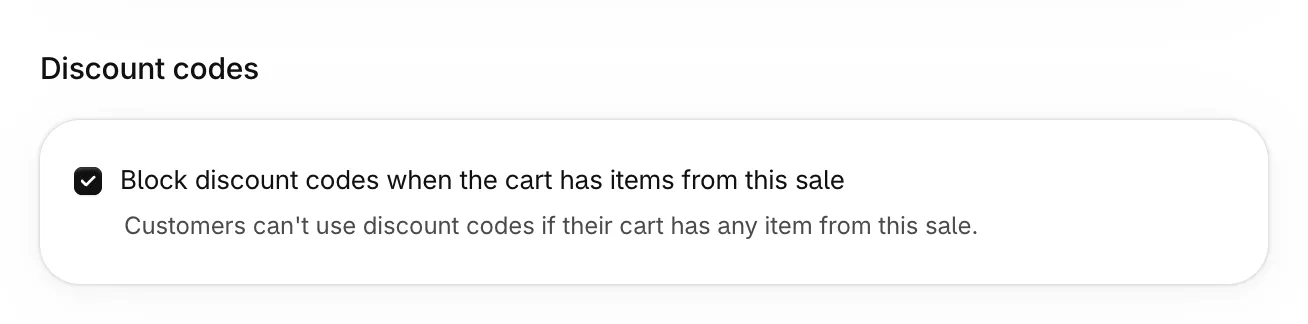
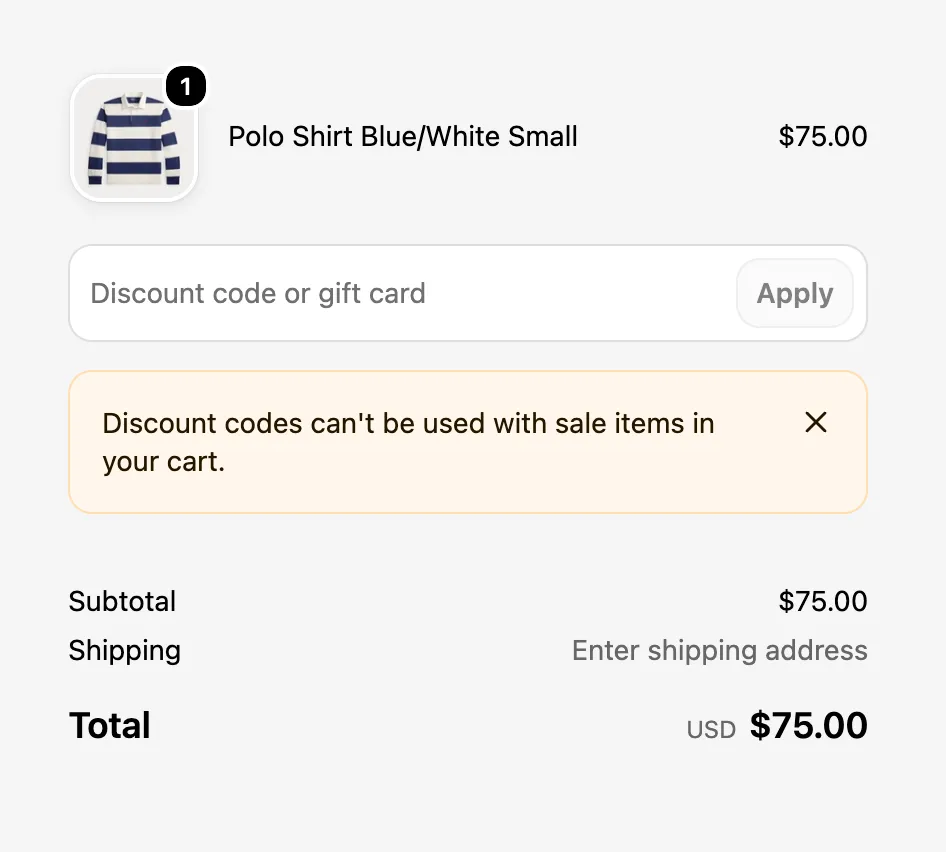
While the sale is active, Shopify refuses discount codes on any cart with one of its items, including the full-price items in that cart. Customers see why at checkout:
Automatic discounts keep working. Read how blocking works, including market sales, discount links and how to turn it off.