
Run a sale on specific markets
A market sale discounts prices only in the markets you select - a promotion for your EU customers while everyone else keeps regular prices. Like all Markets features, it requires the Premium plan.
Create a market sale
Section titled “Create a market sale”-
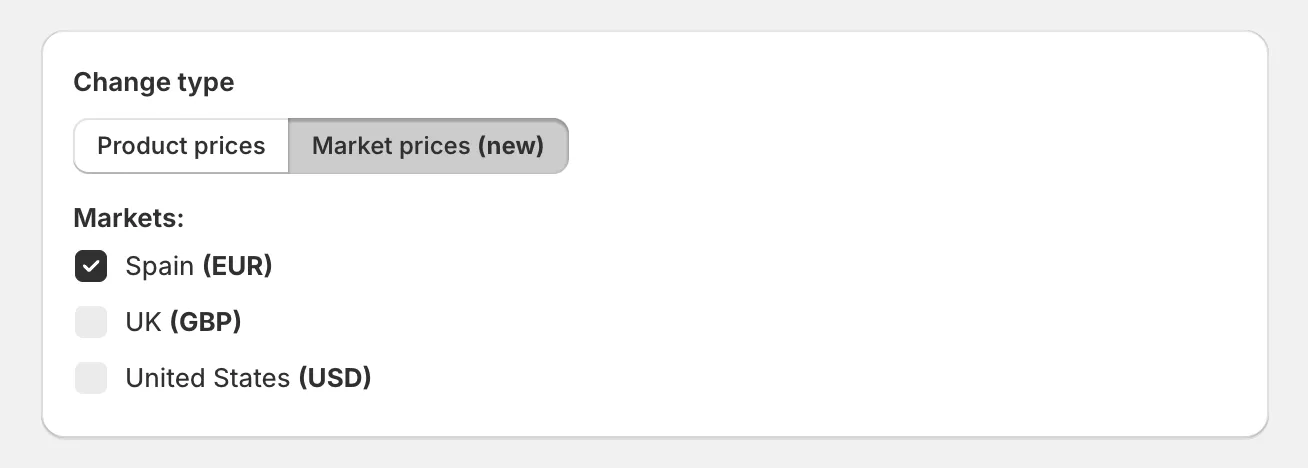
Click Create sale and switch the change type to Market prices.
-
Select the markets for the promotion.
-
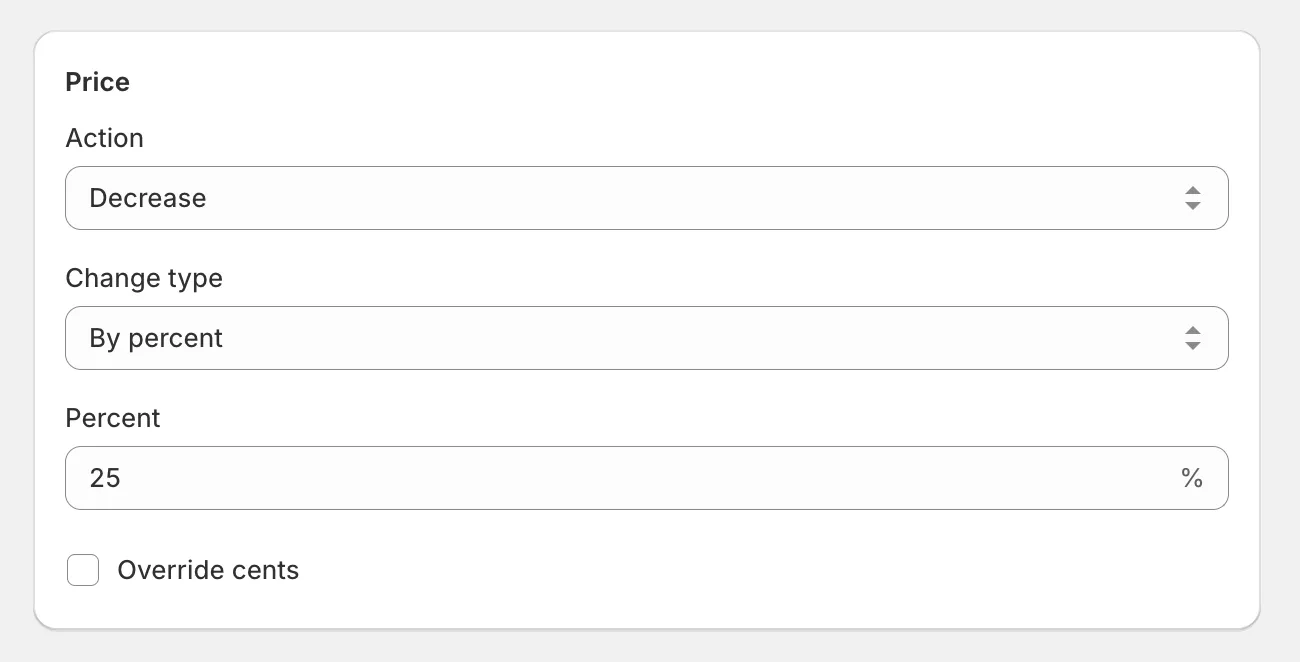
Under Price, configure the discount - decrease by a percent or amount.
-
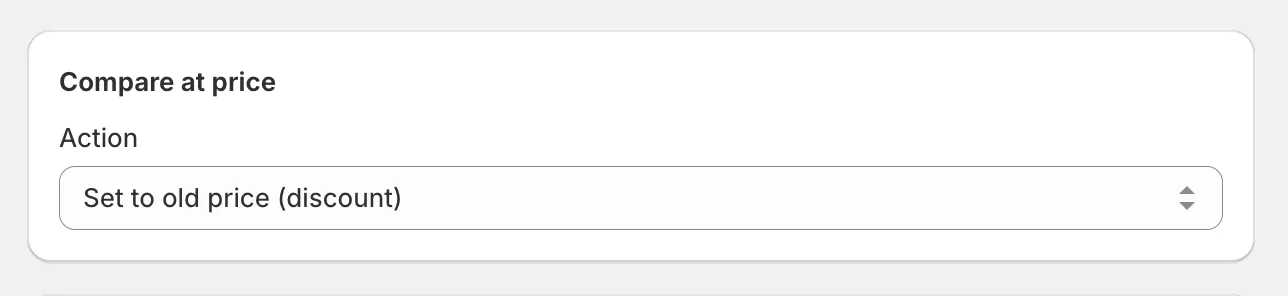
Under Compare at price, select Set to old price (discount) so customers in the market see the crossed-out original price.
-
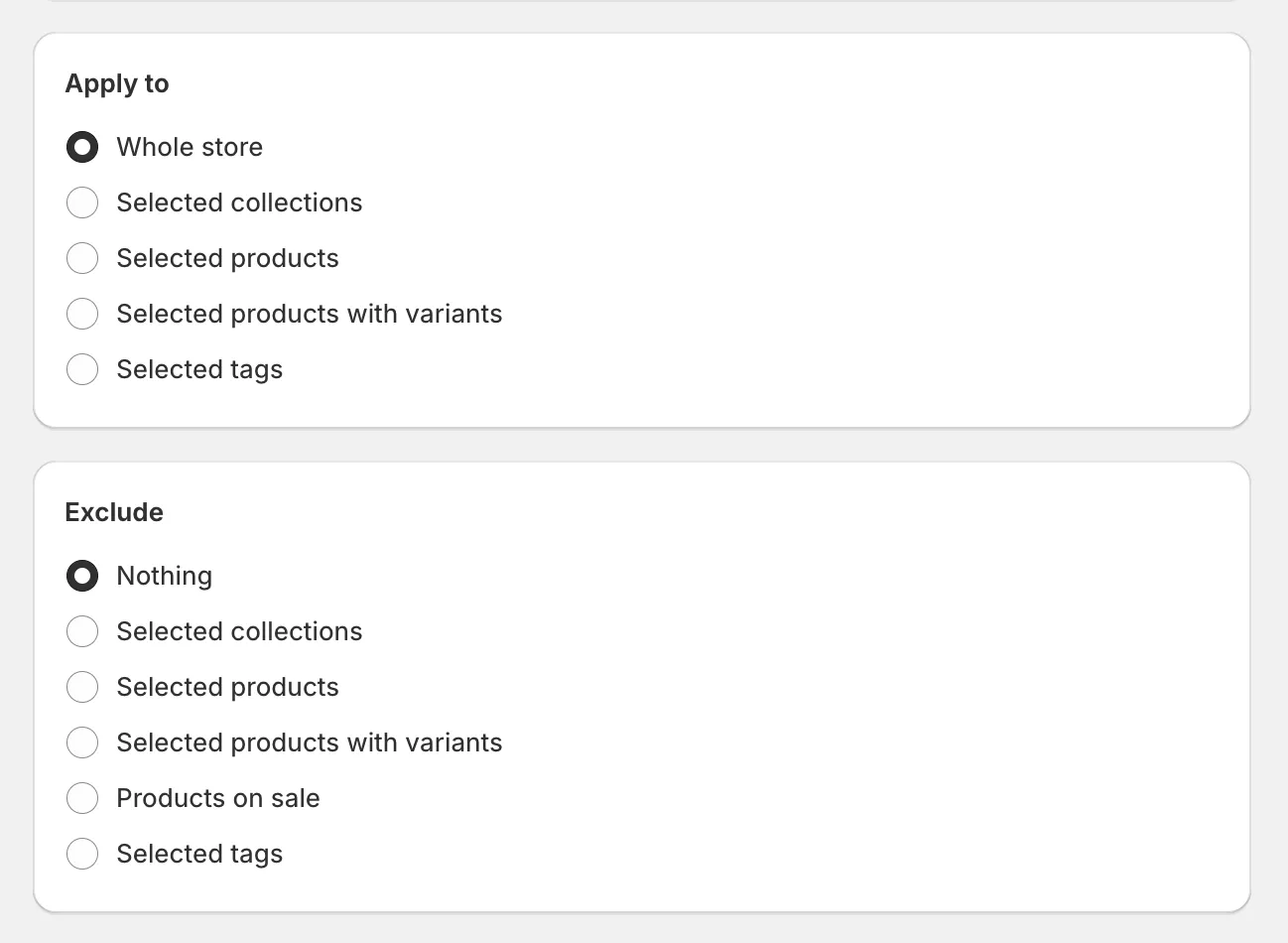
Under Apply to, select the products or collections.
-
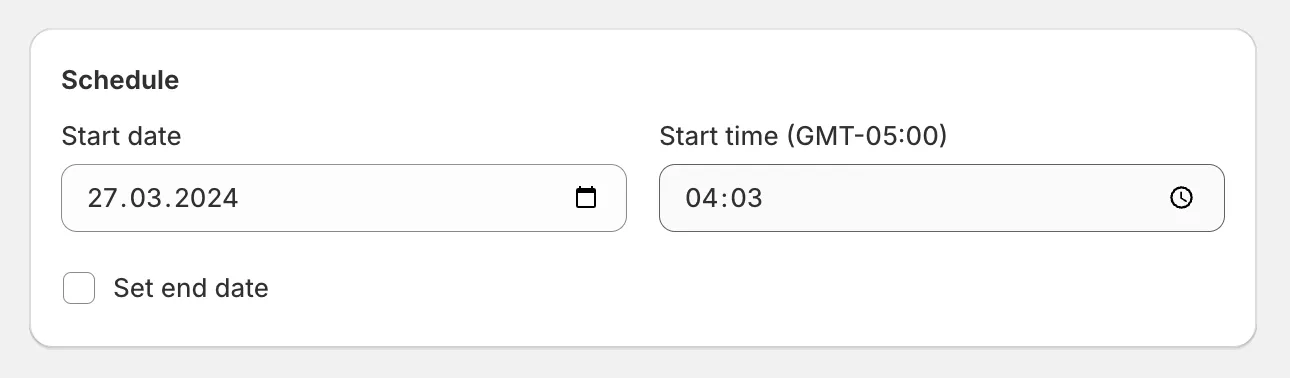
Set the schedule and click Create sale.
The sale applies to the selected markets’ price lists at the start time and restores them when it ends. Everything else about sales works the same - scheduling, exclusions, cancellation, and duplication.