
Edit profit margin
Margin is your profit as a share of the selling price:
margin = 100 × (revenue - cost) / revenueA product that costs $25 and sells for $100 has a 75% margin. Instead of calculating prices by hand, set a target margin and the app prices every product from its cost per item. Margin editing requires the Advanced plan or higher.
Here’s a 75% margin applied across a store:
Set a target margin
Section titled “Set a target margin”- Click Create task.
- Under Price, select Set margin and enter the margin percent.
- Under Apply to, select the products, then click Create task.
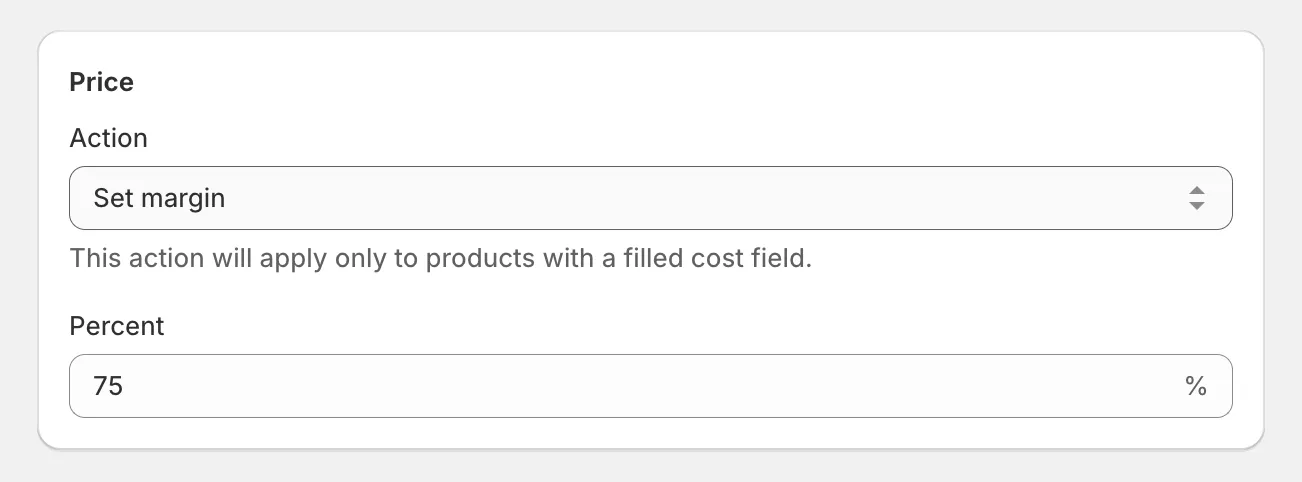
The app calculates each variant’s new price from its cost per item and applies it. Products without a cost per item are skipped - fill in costs first with edit cost per item.
Not sure where your margins stand today? Generate a margin report under Tools - it lists every variant with its price, cost, and margin, flags negative margins, and exports to CSV.
If you think in markup (profit relative to cost) rather than margin, see edit price markup.