
Edit a sale
What you can edit depends on whether the sale has started.
Edit a scheduled sale
Section titled “Edit a scheduled sale”Before a sale starts, everything can be changed:
-
Open the sale’s Details.
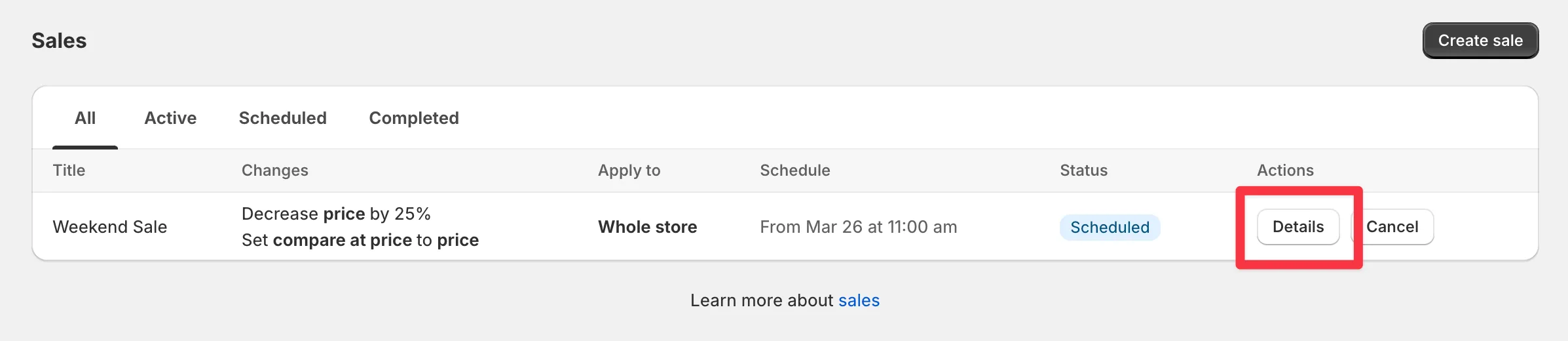
-
Click Edit sale.
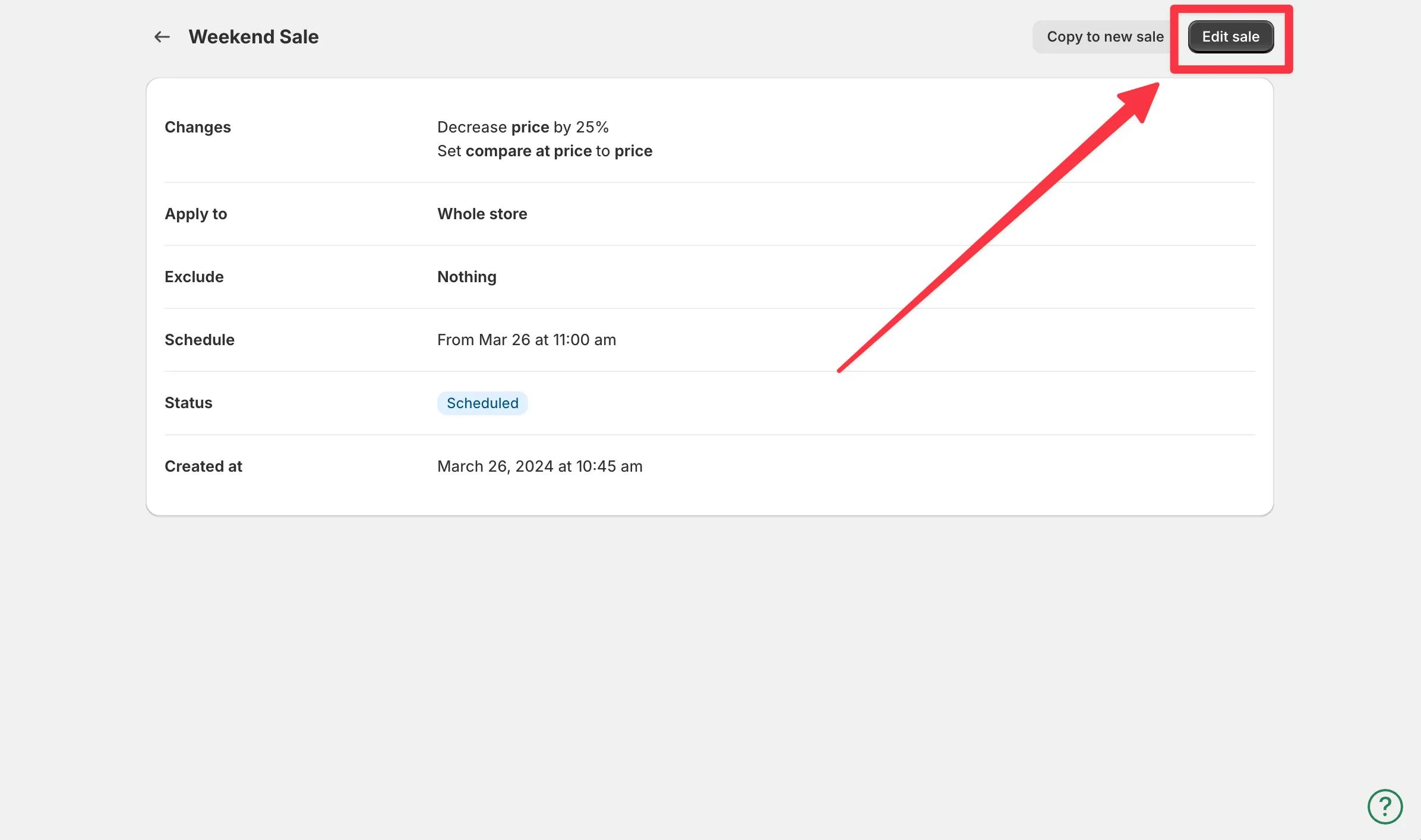
-
Change any parameters and save.
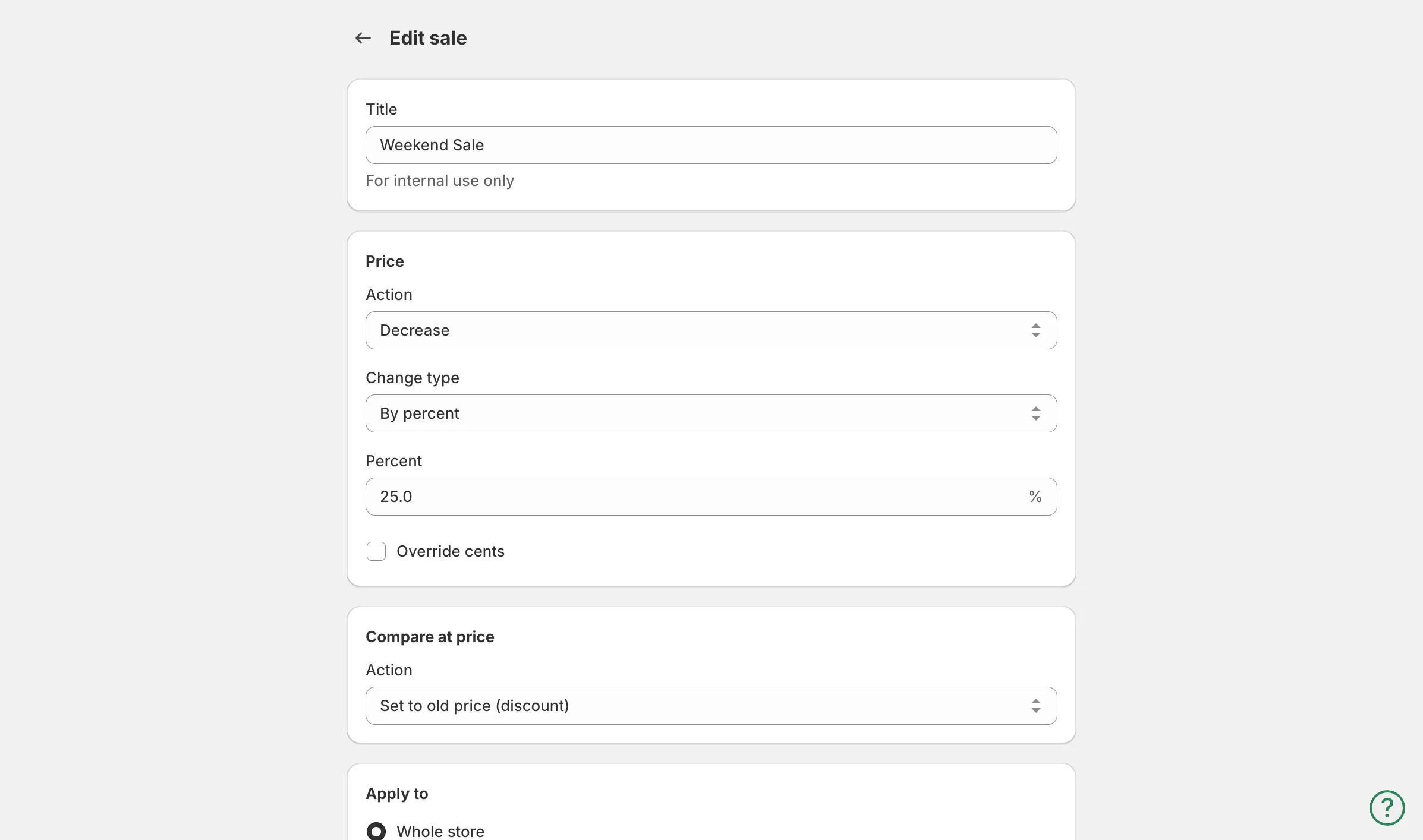
Edit an active sale
Section titled “Edit an active sale”Once a sale is running, only the end date and time can be edited. The discount, product selection, and other settings are locked - the app has already applied those prices and tracks them for restoration.
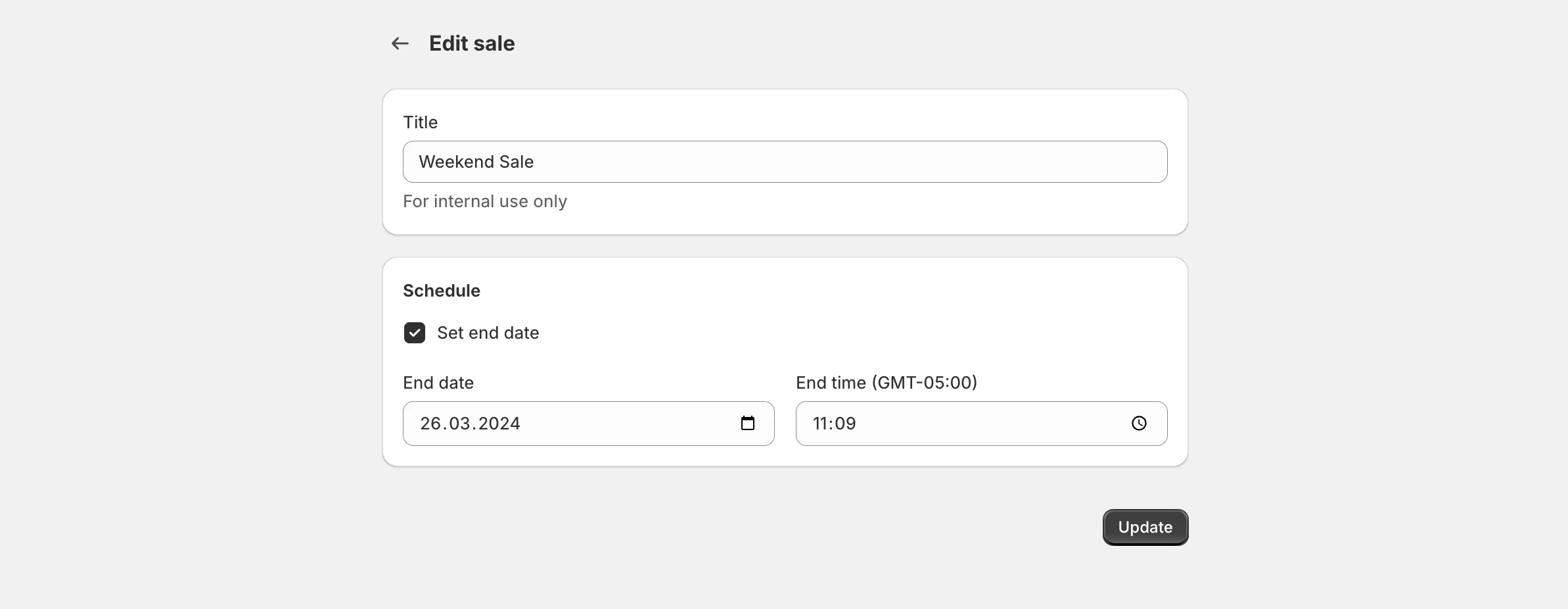
To change anything else on an active sale:
- Disable the sale. Original prices are restored.
- Duplicate it with the Duplicate button, adjust the settings, and create it.
To bring new products into a running sale, see add products to a sale.