
Tag automation
A sale can add or remove product tags while it runs and undo the tagging when it ends. That lets the rest of your store react to the sale automatically:
- An automated Sale collection with the condition
Tagis equal tosale. - “Sale” badges, if your theme shows badges based on tags.
- Temporarily pulling products out of tag-based collections during the promotion.
Add tags while the sale is active
Section titled “Add tags while the sale is active”- When creating the sale, enable Add tags while sale is active.
- Enter the tags to add, like
sale.
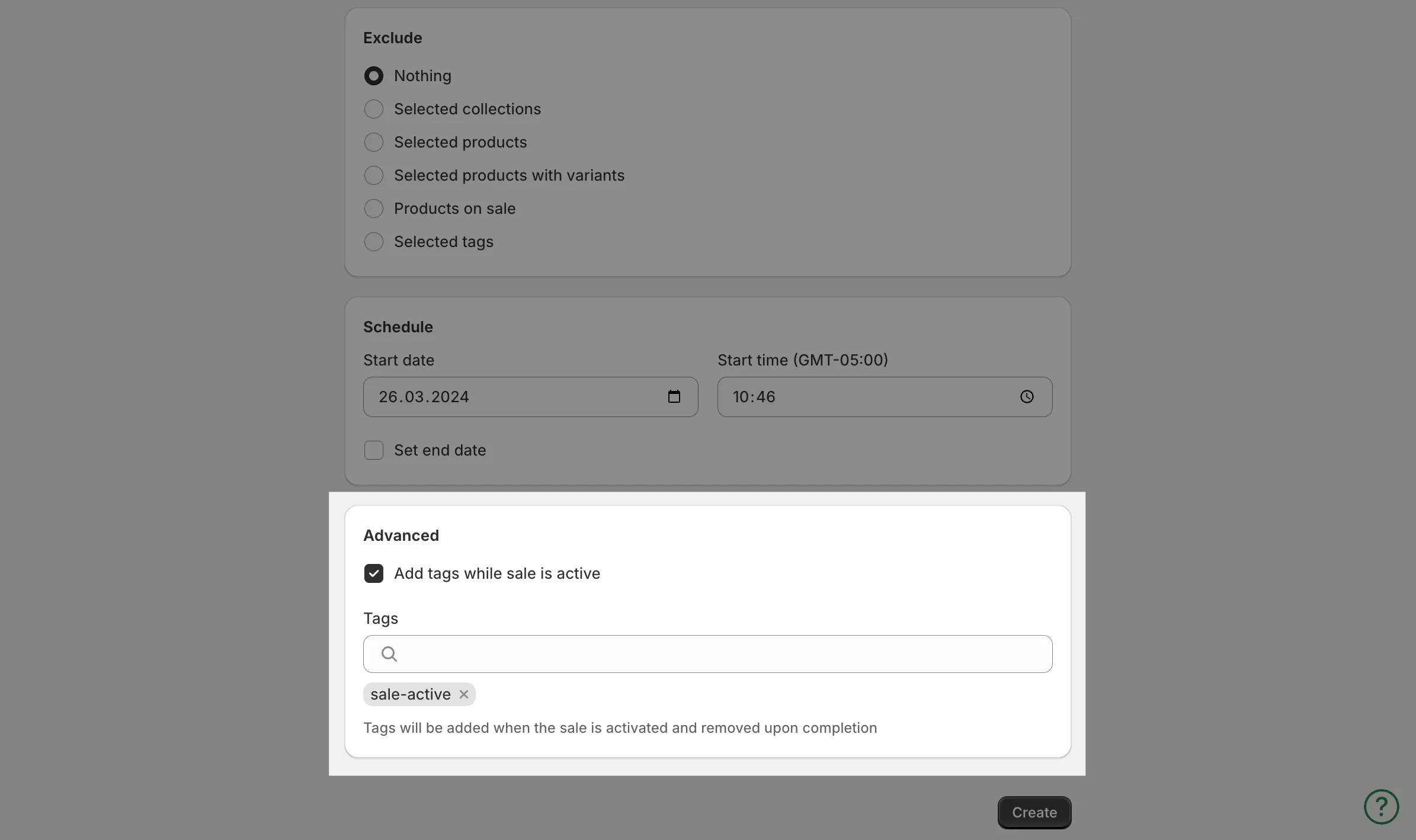
Tags are added to every product in the sale when it starts and removed when it ends or is disabled.
Remove tags while the sale is active
Section titled “Remove tags while the sale is active”- When creating the sale, enable Remove tags while sale is active.
- Enter the tags to remove.
Tags are removed when the sale starts and restored when it ends.
No cleanup needed either way - the app reverses the tag changes together with the prices.