
Restore original prices
If products are stuck showing discounts - a sale from another app that never cleaned up, or a discount task you no longer want - one task restores the original prices. It works for any product where compare at price still holds the pre-discount value.
Restore prices for all products on sale
Section titled “Restore prices for all products on sale”-
Click Create task.
-
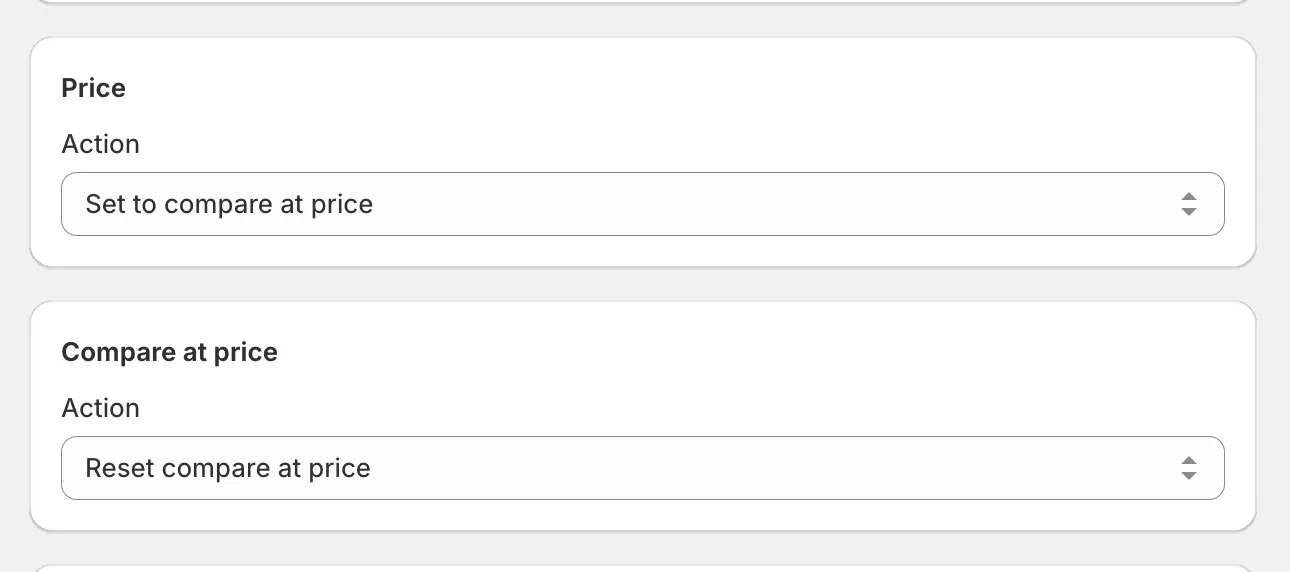
Under Price, select Set to compare at price. Each product’s price returns to its pre-discount value.
-
Under Compare at price, select Reset compare at price. The crossed-out price disappears, so products no longer look discounted.
-
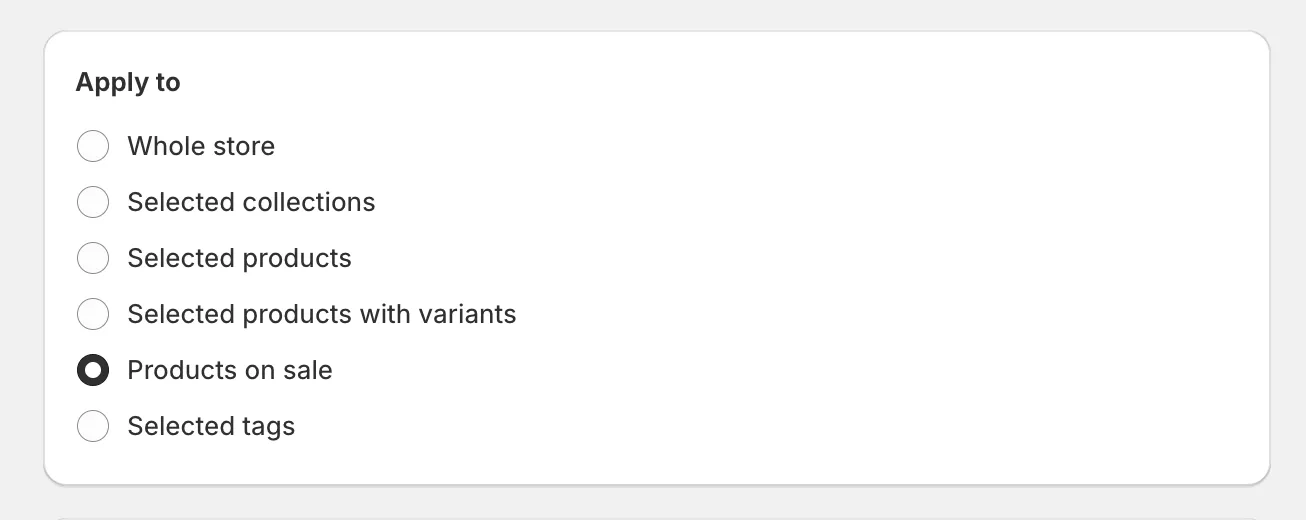
Under Apply to, select Products on sale. This targets every product with a compare at price set higher than its price.
-
Click Create task.
When the task completes, the products show their original prices with no discount styling.
If you’re undoing a task made with this app, rollback is simpler - it restores the exact recorded values without you configuring anything.