
Exclude discounted products
Running a store-wide sale but some products are already marked down? Exclude them so discounts don’t stack. The app detects “on sale” by the Compare at price field: a variant with a compare at price higher than its price counts as discounted.
Two options in the Exclude section:
Products on sale
Section titled “Products on sale”Excludes a product entirely if any of its variants is on sale. Use this when a partially discounted product should be left alone completely.
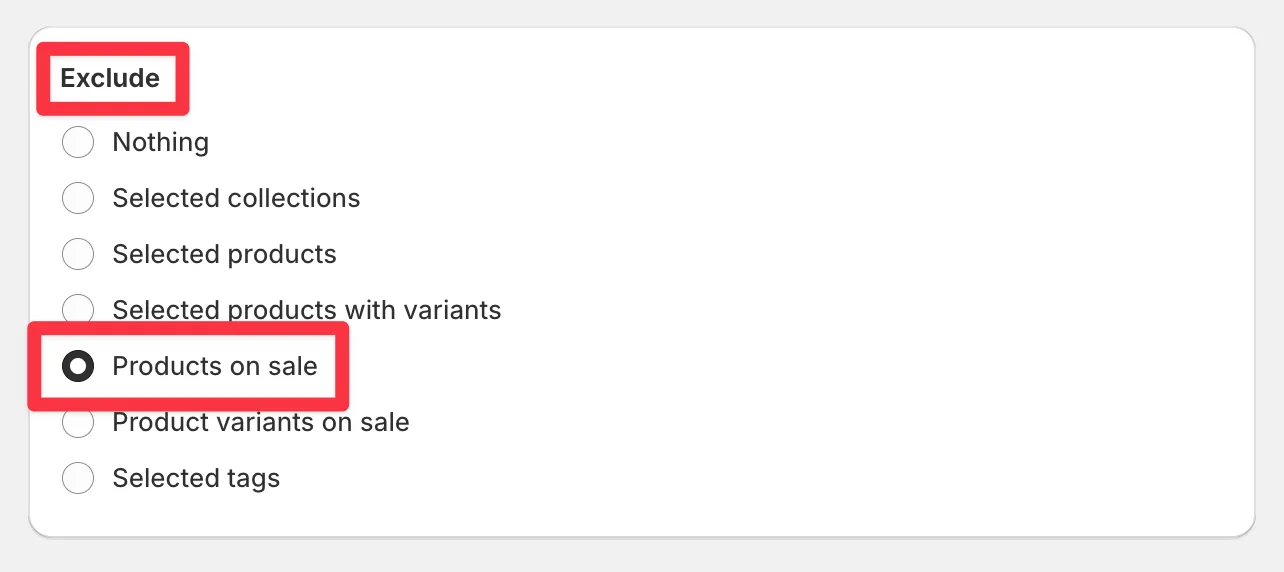
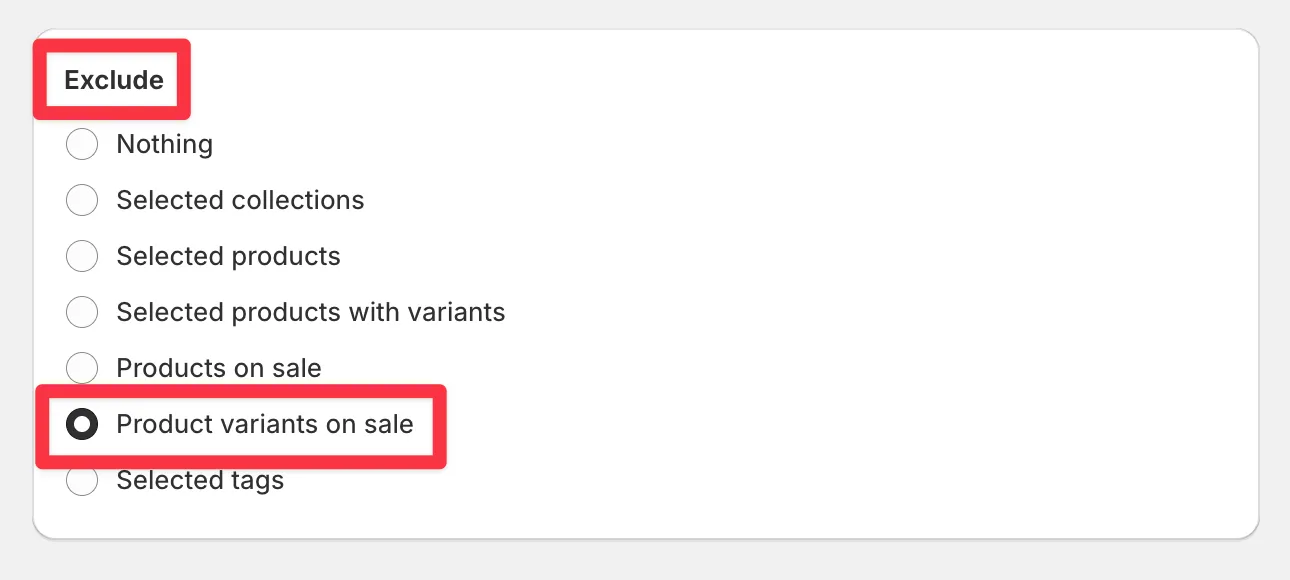
Product variants on sale
Section titled “Product variants on sale”Excludes only the discounted variants. Other variants of the same product still get the new sale price. Use this for granular control when discounts vary within a product.
Both options work in tasks as well as sales.
If products show as “on sale” that shouldn’t - leftover compare at prices from an old promotion - clean them up first with a restore original prices task.