
Rollback changes
The app backs up every price change it makes. Any completed task can be rolled back to restore the original prices - right after it runs or months later.
Roll back a task
Section titled “Roll back a task”- Open the task’s Details.
- Click Rollback.
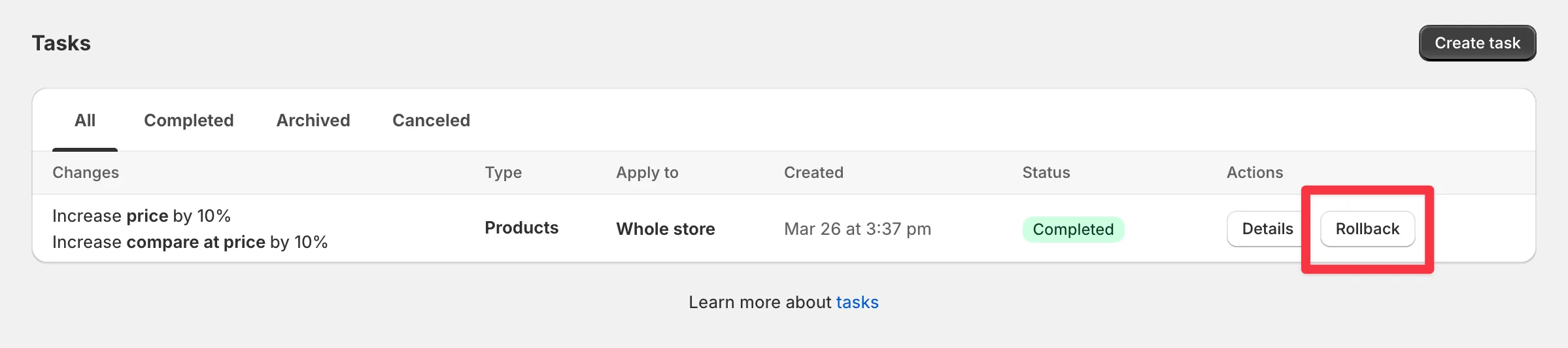
The app works back through the change log and restores each variant’s previous price, compare at price, and cost per item. Progress shows live, and the details page logs the restored values.
Rollback stays available as long as the app is installed. If you uninstall, task data is kept for 90 days - reinstall within that window and you can still roll back. See what happens after uninstall.