
Set discount prices
A discount on Shopify is two fields working together: price drops to the sale amount, and compare at price holds the original so the storefront shows it crossed out. One task sets both.
Set a 20% discount
Section titled “Set a 20% discount”- Click Create task.
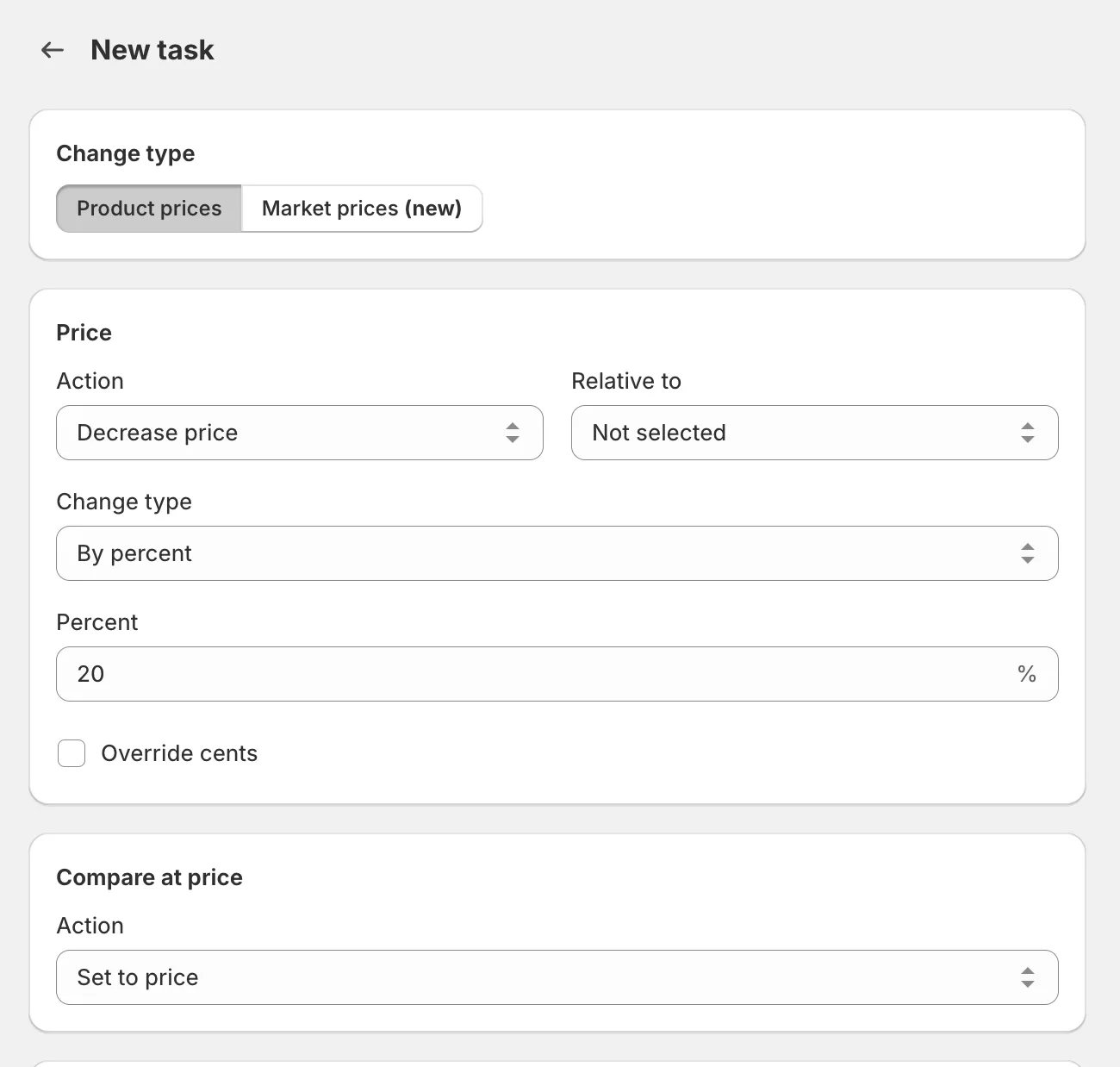
- Under Price, select Decrease price and enter
20percent. - Under Compare at price, select Set to price. Each product’s current price becomes its compare at price, so customers see the original crossed out.
- Under Apply to, select the products, then click Create task.
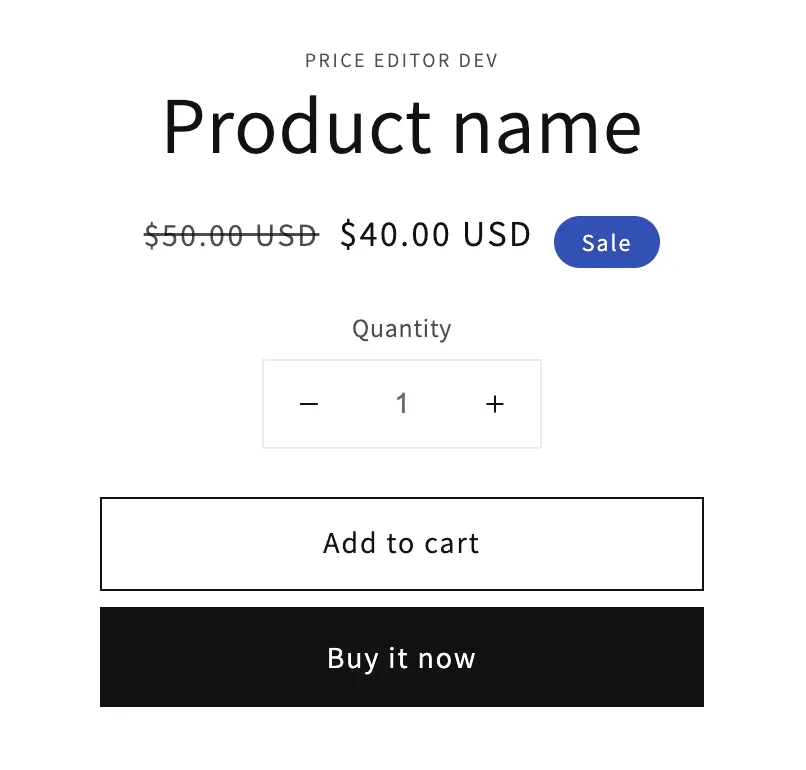
When the task completes, the selected products show the discounted price next to the crossed-out original:
Removing the discount later
Section titled “Removing the discount later”Two options:
- Rollback the task to restore the exact previous values.
- Create a new task that restores original prices - it sets price back to compare at price and clears the compare at price field.